




In this week’s CreativePro video, Jole Simmons shows how to stack multiple animations on an item in PowerPoint to create more complex movement. Creating animated GIFs from within PowerPoint’s and the built-in animation controls, he adds an extra bit of action to his slides.
New videos every other Tuesday on our CreativePro YouTube channel. Be sure to subscribe so you don’t miss any!
This article was last modified on August 29, 2025
This article was first published on June 10, 2020
Commenting is easier and faster when you're logged in!

Recommended for you

How to Give That “Ugly Sweater” Slide a Makeover
Transform ugly PowerPoint slides into merry masterpieces with Jody Wissing!
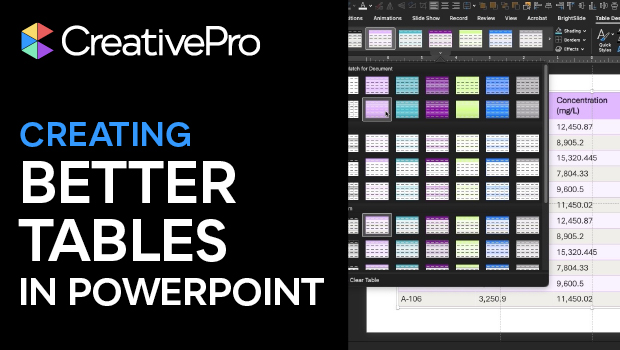
Tips for Creating Better Tables in PowerPoint
Making tabular data in PowerPoint look good can be challenging, but Stephy Hogan...
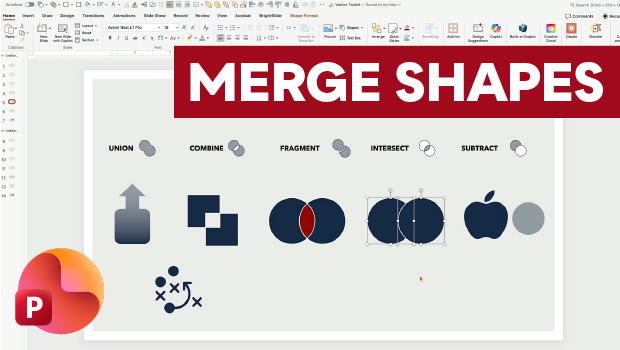
Getting the Most from PowerPoint’s Merge Shapes Feature
Explore Merge Shapes, one of PowerPoint's most powerful tools, with Nolan Haims!