



Return to page 1.
Click each image to go to its download page.
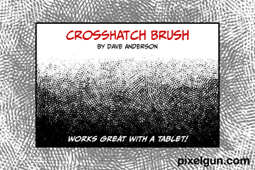
Go Crazy with Crosshatching
Dave Anderson’s crosshatch brushes can add texture and depth to many projects.
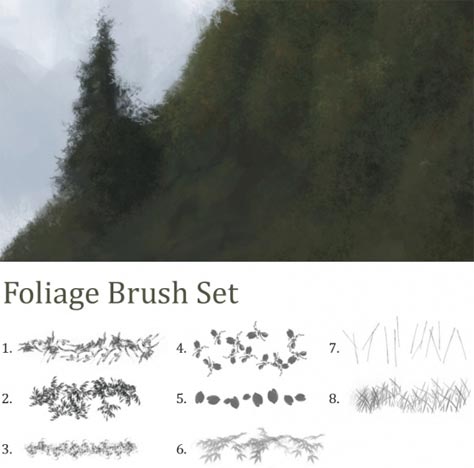
Foliage Brush Set
This set of 8 brushes from dierat can add foliage texture to a Photoshop painting. The brushes were made from photos of trees, bushes, and grass (except number 8, which is painted).
This article was last modified on December 14, 2022
This article was first published on July 16, 2010
Commenting is easier and faster when you're logged in!

Recommended for you

Using Photoshop’s Generative Fill to Remove Objects
Learn how to simply remove items from an image in Photoshop, without extra conte...

How to Adjust Colors Using Photoshop’s Contextual Task Bar
Learn how to use the Photoshop Adjust Colors feature to make quick, non-destruct...

How to Turn a Photo into Graffiti in Photoshop
Create a spray-painted masterpiece in Photoshop with Steve Caplin.