




This InDesign tip was sent to Tip of the Week email subscribers on November 8, 2018.

Sign up now and every week you’ll get a new tip, keyboard shortcut, and roundups of new articles, plus exclusive deals sent right to your Inbox!
Just scroll down to the bottom of this page, enter your email address, and click Go! We’ll take care of the rest. Now, on with the tip!
To switch back and forth between Adobe Bridge and InDesign, press Command+Option+O. This keystroke combination works in both apps.
This article was last modified on July 25, 2019
This article was first published on November 13, 2018
Commenting is easier and faster when you're logged in!

Recommended for you
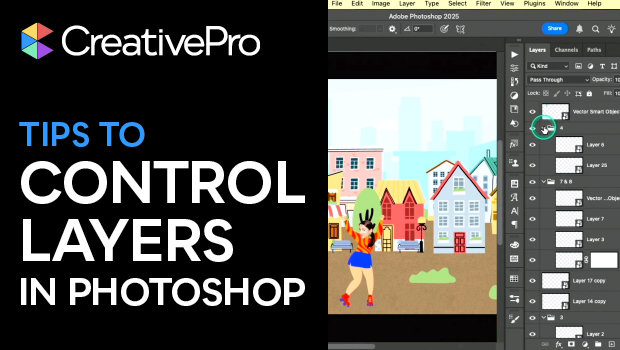
Tips to Control Photoshop Layers
Khara Plicanic shares smart Photoshop Layers panel tips to help you find and man...

Navigating and Customizing the Premiere Interface
Are you a Premiere beginner? Get started and customize your workspace with Myra...
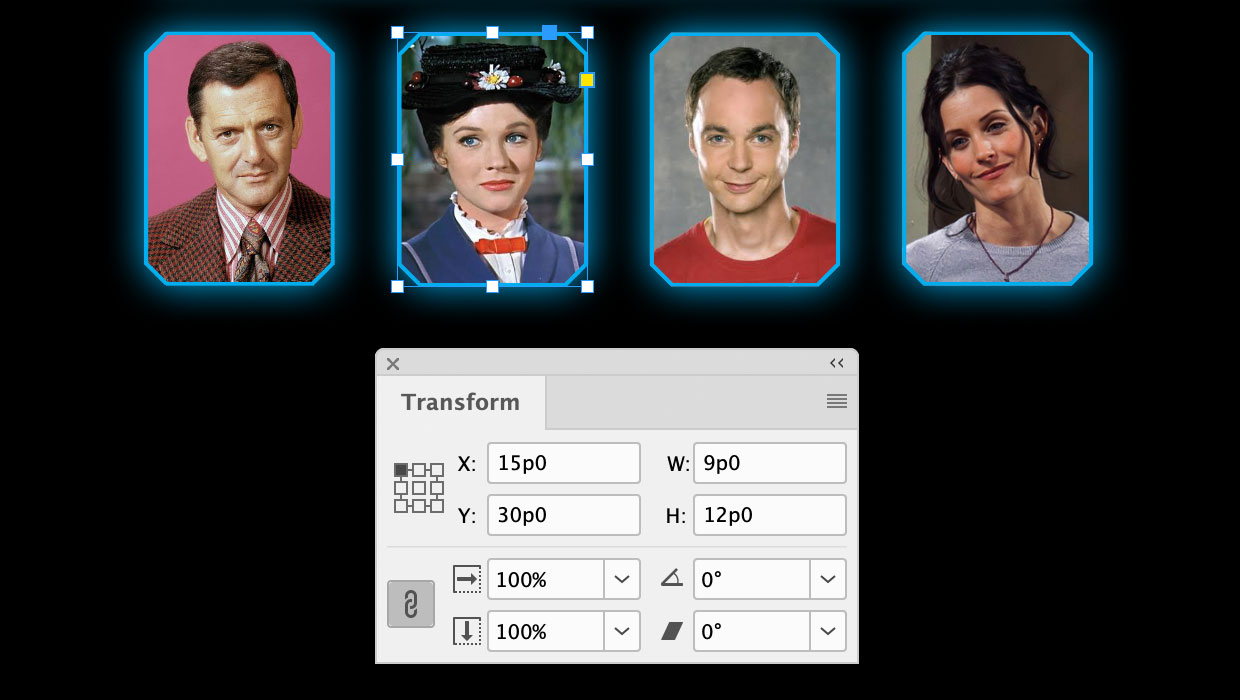
A Script to Round off Size and Position Values in InDesign
Instantly clean up "messy" values by rounding them off to the nearest whole poin...