



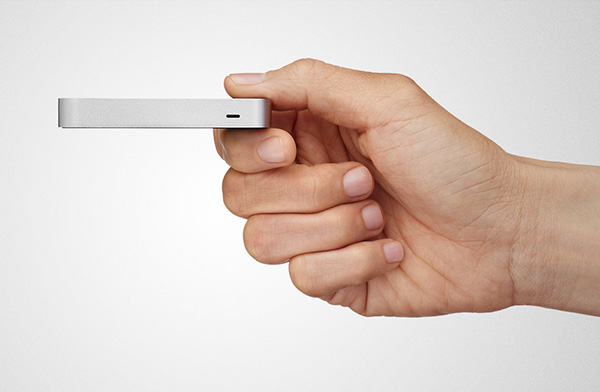
Last year, I wrote a news item about Leap Motion Controller, a new input device that replaces the mouse and trackpad, and allows you to control your computer via gestures.
Now, there’s an entire app store worth of programs that you can use with the Leap Motion.
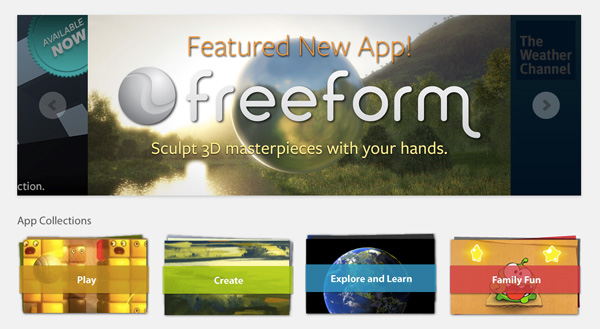
There, you can find apps like Freeform, a free app for Mac OS and Windows that allows you to create 3D objects by sculpting them with gestures. You can select different Explore materials including glass, clay and plastic, and choose from a variety of sculpting tools. You can also view and work with underlying wireframes and save your creations as .ply, .stl or .obj files.
This article was last modified on January 8, 2023
This article was first published on December 18, 2013
Commenting is easier and faster when you're logged in!

Recommended for you

How to Adjust Colors Using Photoshop’s Contextual Task Bar
Learn how to use the Photoshop Adjust Colors feature to make quick, non-destruct...

How to Turn a Photo into Graffiti in Photoshop
Create a spray-painted masterpiece in Photoshop with Steve Caplin.

How to Adjust Colors in Photoshop Using Hue and Saturation
Learn how to manipulate an image’s colors using Photoshop’s Hue and Saturation s...