


InDesign Template: Data Merge
Includes four templates built to work with InDesign’s Data Merge features. There are files for creating business cards, stationery, convention badges, and a phone directory. If you’re new to Data Merge,...

This article appears in Issue 107 of InDesign Magazine.
This template comes to us from Adam Jury, and it’s not one, but four templates built to work with InDesign’s Data Merge features! There are files for creating business cards, stationery, convention badges, and a phone directory.
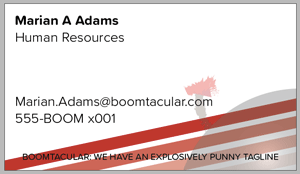
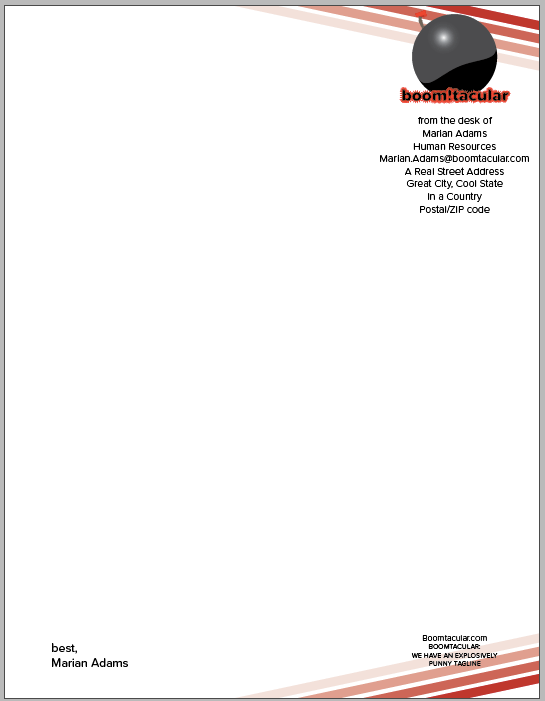

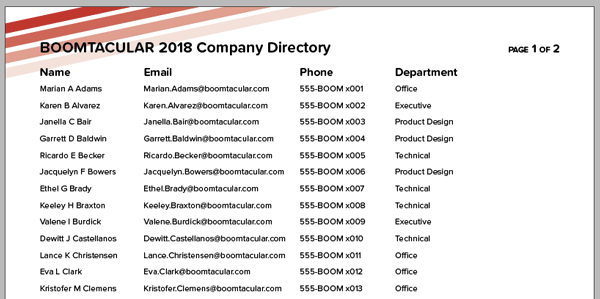
All the files use fonts from the Proxima Soft family, which you can sync from Typekit, or replace with your own fonts.
There’s also a Read Me file with instructions and links to learn more about Data Merge.
If you’re new to Data Merge, these documents will serve as a great hands-on introduction. The accompanying Excel file serves as the Data Source.
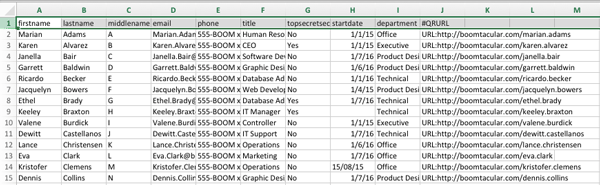
By opening the Data Merge panel in InDesign (Window > Utilities > Data Merge), you can see all of the available Data Fields.
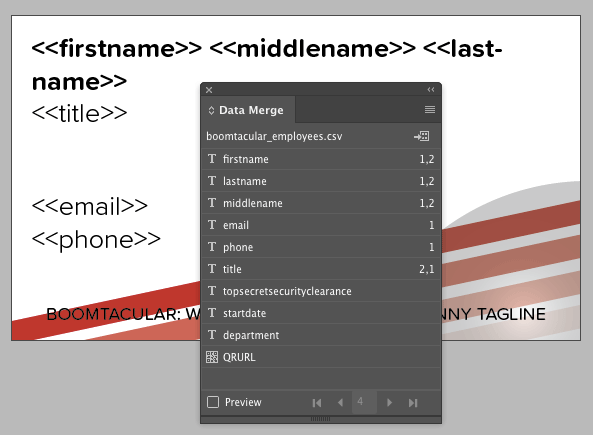
Turn on the Preview checkbox at the bottom of the panel and use the controls to preview how each data record will look after you create the merged document.
/wp:paragraph –>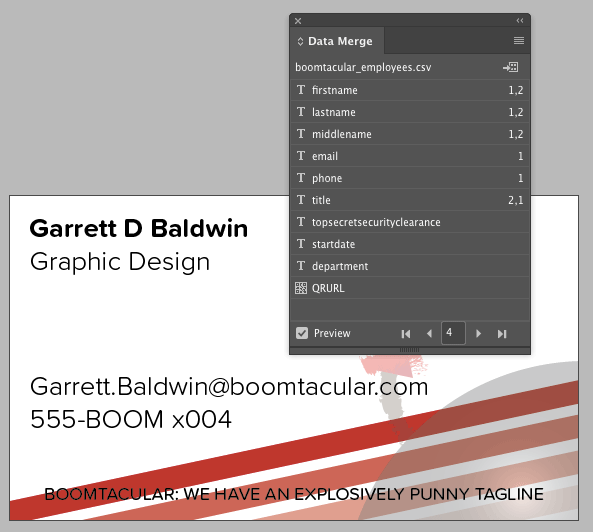
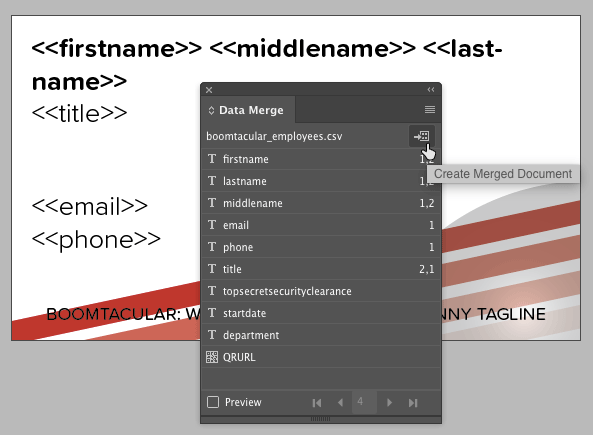
To create the merged document, click the button at the top right of the panel, or choose the command from the panel menu.
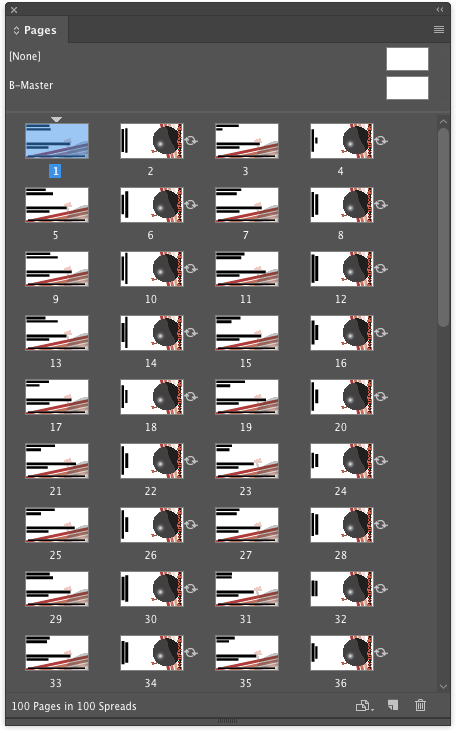
A new file will be created, ready for editing or output.
Commenting is easier and faster when you're logged in!

Recommended for you

How to Animate Cursive Writing in Premiere
Use Myra Ferguson's Shape Flow transition effect tip to animate text.

How to Turn a Photo into Graffiti in Photoshop
Create a spray-painted masterpiece in Photoshop with Steve Caplin.
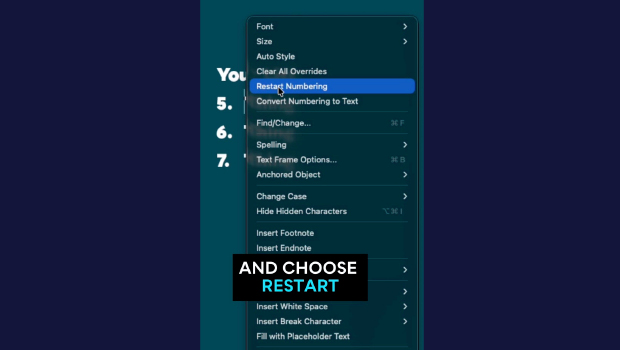
Quickly Renumber a List in InDesign
Khara Plicanic shows how to renumber an InDesign list without digging through me...