


InDesign Template Essentials: Interactive Buttons and Forms
Contains buttons for navigation, for controlling audio and video, for showing an hiding objects, and for building forms in PDF. There are also a bunch of alternative hyperlink styles for both...
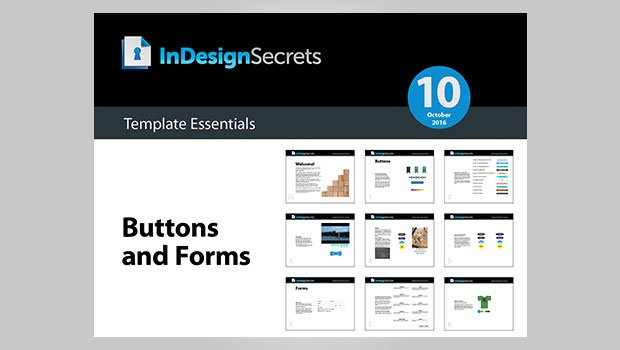
This template features a bunch of goodies for working with interactive documents.
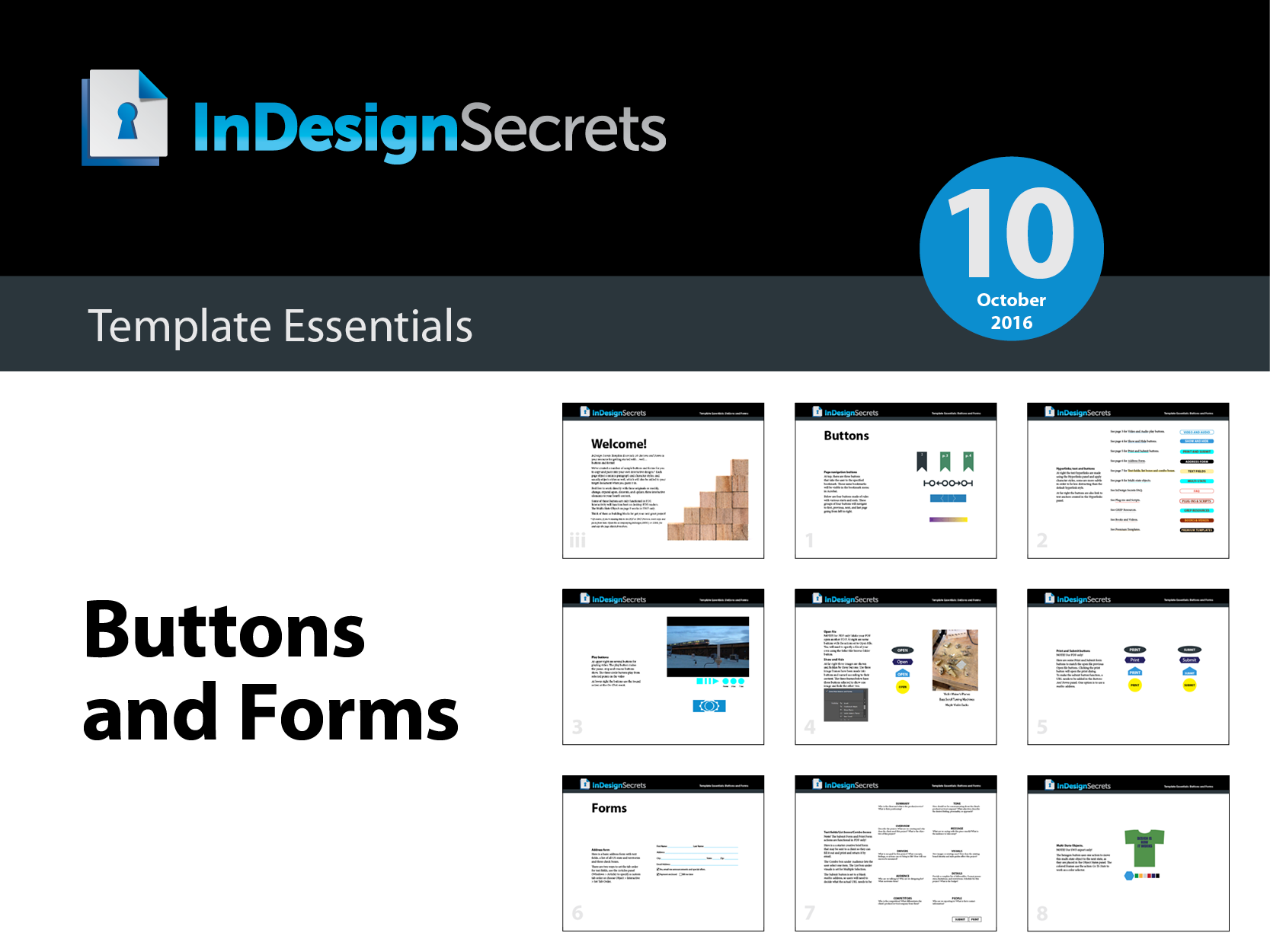
The template document contains buttons for navigation, for controlling audio and video, for showing an hiding objects, and for building forms in PDF. There are also a bunch of alternative hyperlink styles for both text links and buttons, and an example of a multi-state object that will work in FXL EPUB and Publish Online documents.
Also, remember that rich media in interactive PDFs depends on the presence of Flash, so don’t expect it to work in interactive PDF on mobile devices (or desktop machines where Flash is not present).
Commenting is easier and faster when you're logged in!

Recommended for you

Interview with Nicte Cuevas, Brand Strategist and Designer
An award-winning strategist shares how personal resilience, cultural heritage, a...

How to Turn a Photo into Graffiti in Photoshop
Create a spray-painted masterpiece in Photoshop with Steve Caplin.
Review: Astute Manager Pro
This new service makes it easy to back up, restore, and sync your Illustrator se...