



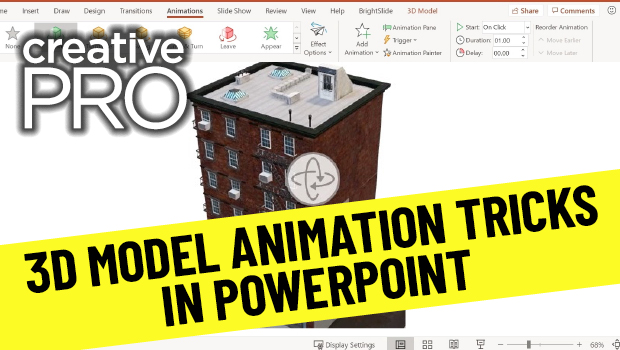
In this PowerPoint video, Richard Goring looks at 3D models in PowerPoint and animates them. He also shows how to add movement within the 3D space without using animation tools.
This article was last modified on August 29, 2025
This article was first published on November 1, 2021
Commenting is easier and faster when you're logged in!

Recommended for you
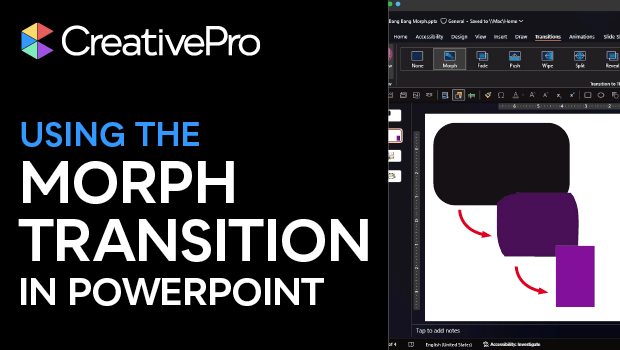
How to Use PowerPoint’s Morph Transition
Learn to use PowerPoint’s Morph transition to change shapes or text smoothly bet...
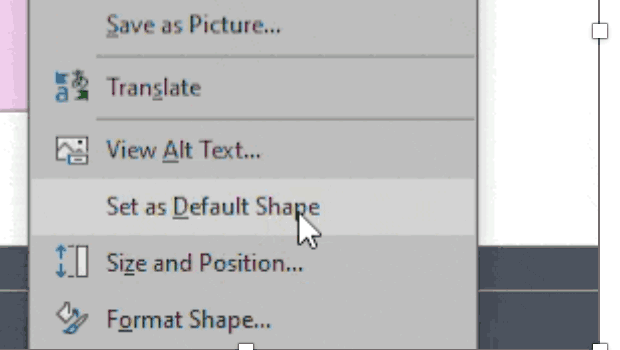
How to Set Default Shapes, Lines, and Text Box Styles in PowerPoint
One way to make working in PowerPoint smoother is to set default shapes, lines,...

Keynote: The Pro Design Powerhouse
Unlock type styles, photo adjustments, animation, and video capabilities that go...