


Photoshop Template: Movie Sign
Use this customizable Photoshop template to put your own message on a movie marquee.
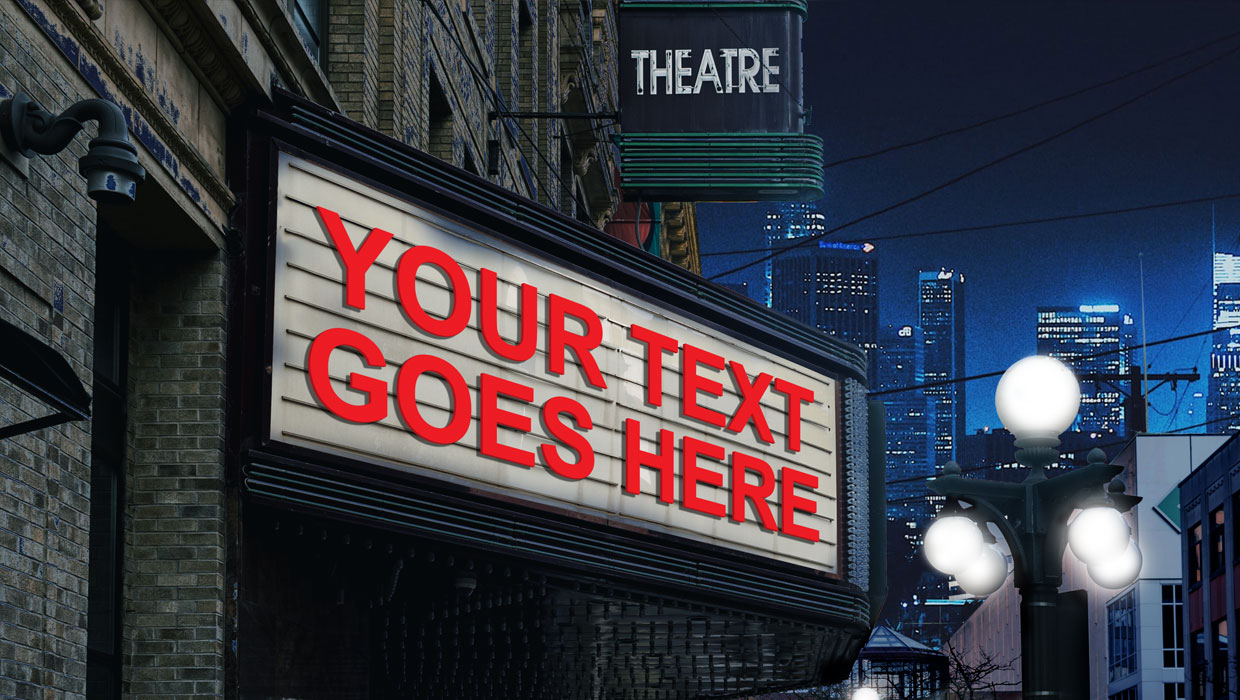
This Photoshop template can be used to put your own message on a movie marquee.
To use the template, just double-click on the Smart Object to open the embedded placeholder text in a separate window.
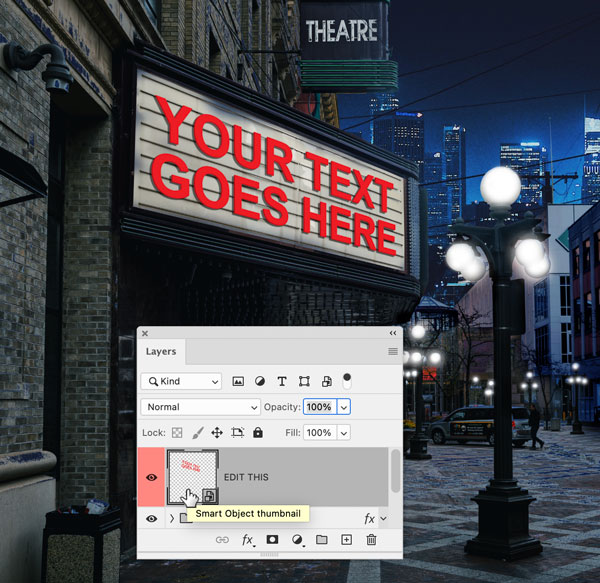
Edit the text. You can also change the color, size, font, etc.
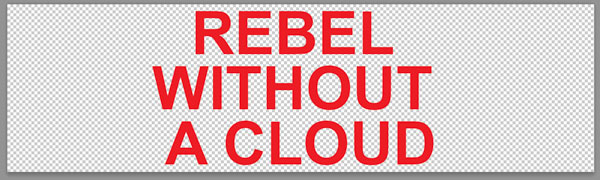
Save and close that file, and when you return to the template, the text will be updated.

Commenting is easier and faster when you're logged in!

Recommended for you
Illustrator Downloadable: Tropical Shadow Overlay Kit
Add some tropical color to your next design with these symbols, swatches, and gr...

Quick Wins: InDesign Template Essentials
Use these five Template Essentials collections to speed up your InDesign documen...
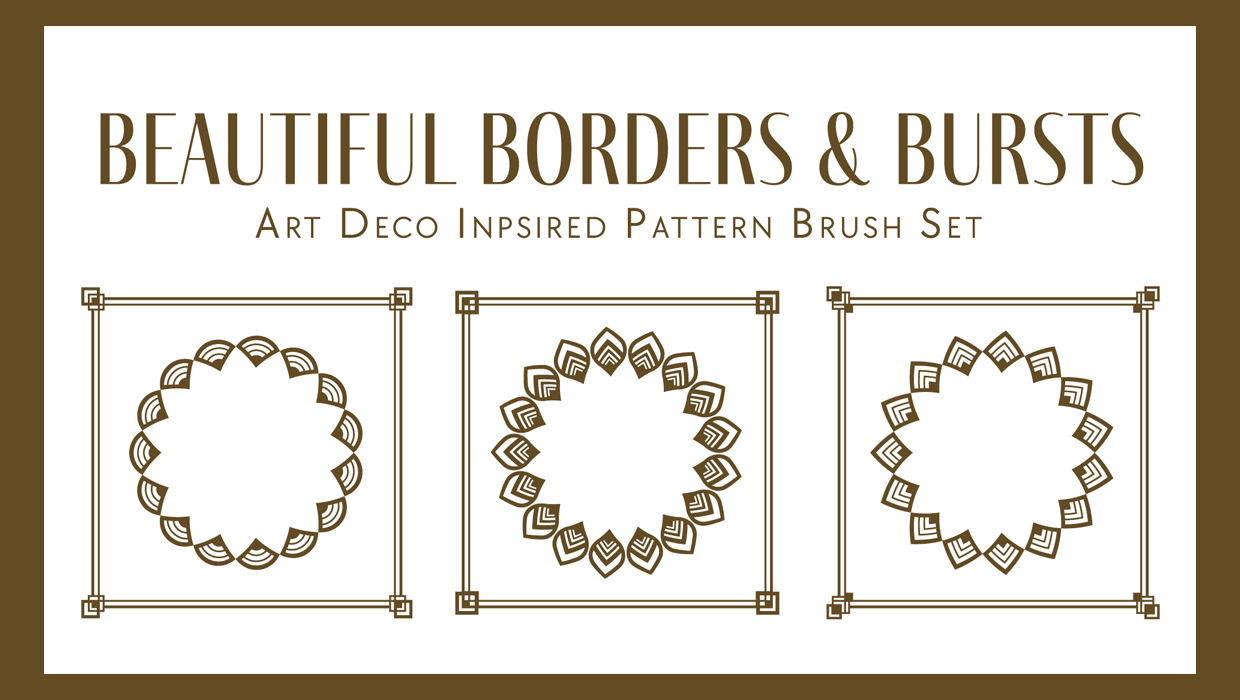
Illustrator Downloadable: Art Deco Borders and Brushes
Custom patterns and brushes to add a sleek and swanky style to your designs