



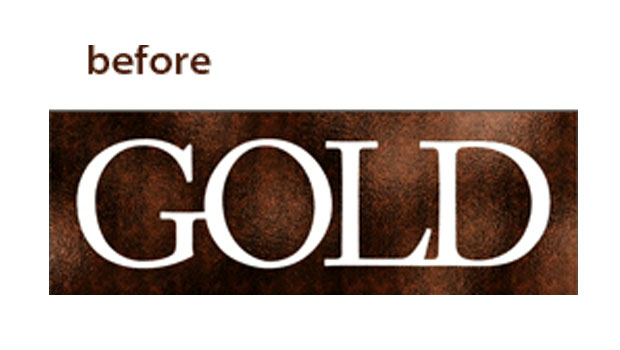
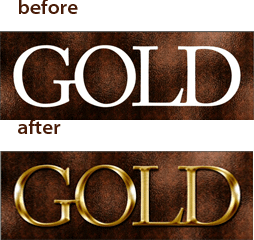
Learn how to turn ordinary type into extraordinary gold. This is no garish fool’s gold, but a lovely soft, volumetric effect that will lend luster to your own creations.
And because it’s done with Photoshop’s layer effects, your treasured text can be edited at any moment if you change your mind about its gilded message.
This particular effect doesn’t require a smart object, keeps the text 100% editable, and is accomplished almost entirely using layer effects. It couldn’t be more flexible. Click the screenshot below to view the step-by-step tutorial video on YouTube:
Members of lynda.com will find additional short Deke’s Techniques videos that show you how to enhance the effects you see here, apply them with greater efficiency, or display them with greater flexibility.
This article was last modified on December 14, 2022
This article was first published on January 24, 2011
Commenting is easier and faster when you're logged in!

Recommended for you

How to Adjust Colors Using Photoshop’s Contextual Task Bar
Learn how to use the Photoshop Adjust Colors feature to make quick, non-destruct...

Using Photoshop’s Generative Fill to Remove Objects
Learn how to simply remove items from an image in Photoshop, without extra conte...

How to Turn a Photo into Graffiti in Photoshop
Create a spray-painted masterpiece in Photoshop with Steve Caplin.