



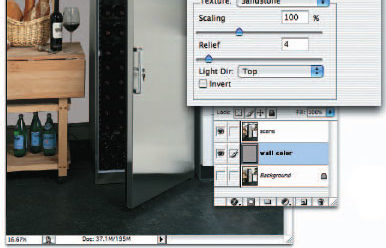
In the first part of this excerpt from his book “Commercial Photoshop with Bert Monroy,” Photoshop artist extraordinaire Bert Monroy showed his image-retouching techniques for repositioning elements, adding content, cleaning up highlights, and eliminating items while enhancing others.
In this second part of the retouching chapter, Bert covers adding shadows, color, motion and other ways to change the mood of a scene.
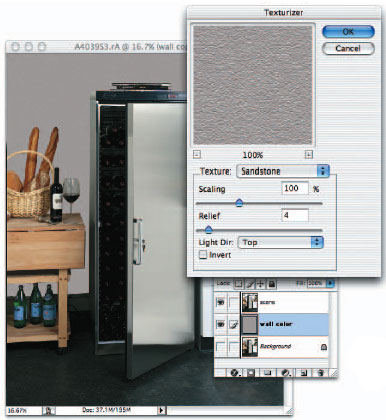
We’ve posted this excerpt as a PDF file. Click the link “Retouching, Part 2” to open the PDF file in your Web browser. You can also download the PDF to your machine for later viewing.
To open the PDF, you’ll need a full version of Adobe Acrobat (5 or higher) or the Adobe Reader, which you can download at www.adobe.com/products/acrobat/readstep2.html.
To learn how to configure your browser for viewing PDF files, see the Adobe Reader tech support page.
Excerpted from “Commercial Photoshop with Bert Monroy” © 2004 New Riders Publishing. Reproduced by permission of Pearson Education, Inc. Publishing as New Riders. ALL RIGHTS RESERVED.
This article was last modified on January 3, 2023
This article was first published on September 29, 2004
Commenting is easier and faster when you're logged in!

Recommended for you

How to Turn a Photo into Graffiti in Photoshop
Create a spray-painted masterpiece in Photoshop with Steve Caplin.

How to Adjust Colors in Photoshop Using Hue and Saturation
Learn how to manipulate an image’s colors using Photoshop’s Hue and Saturation s...

Using Photoshop’s Generative Fill to Remove Objects
Learn how to simply remove items from an image in Photoshop, without extra conte...