


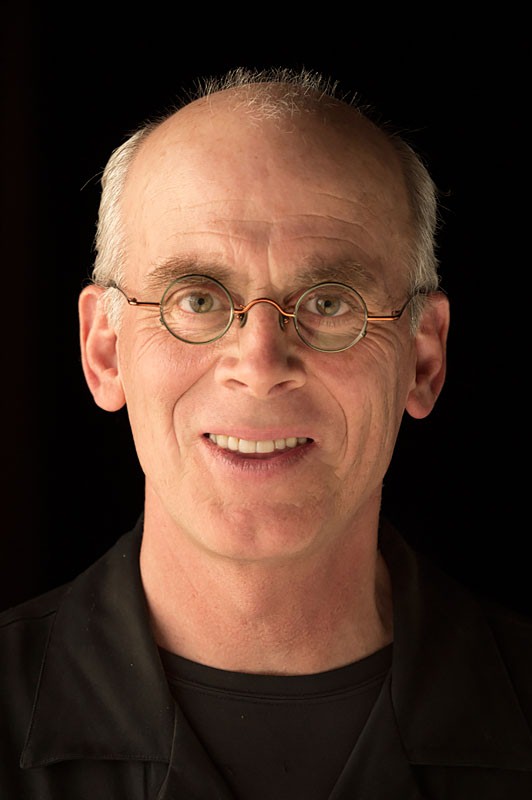
This tutorial is an installment of The Russell Brown Show
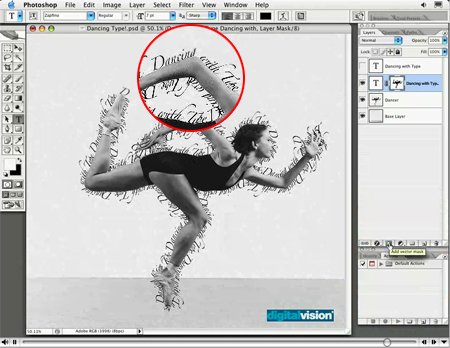
Text that swoops and swirls all over a page can be a good thing or a bad thing. The key to successful text on a path is to use it only when the subject matter calls for it, and to finesse the type with the right positioning, point size, and tracking.
In this video tutorial, Russell Brown, senior creative director at Adobe, shows you how to do just that in Photoshop CS2.
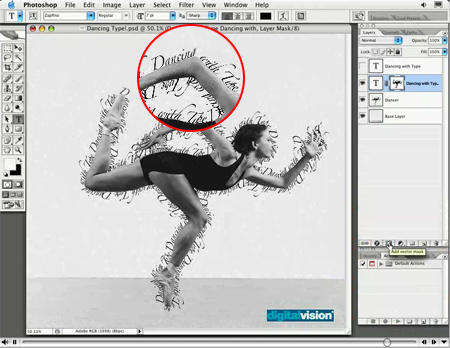
Click on the image below to begin streaming the video “Dancing with Type.”
This article was last modified on June 30, 2023
This article was first published on June 11, 2007
Commenting is easier and faster when you're logged in!

Recommended for you

How to Adjust Colors in Photoshop Using Hue and Saturation
Learn how to manipulate an image’s colors using Photoshop’s Hue and Saturation s...

How to Adjust Colors Using Photoshop’s Contextual Task Bar
Learn how to use the Photoshop Adjust Colors feature to make quick, non-destruct...

Using Photoshop’s Generative Fill to Remove Objects
Learn how to simply remove items from an image in Photoshop, without extra conte...