



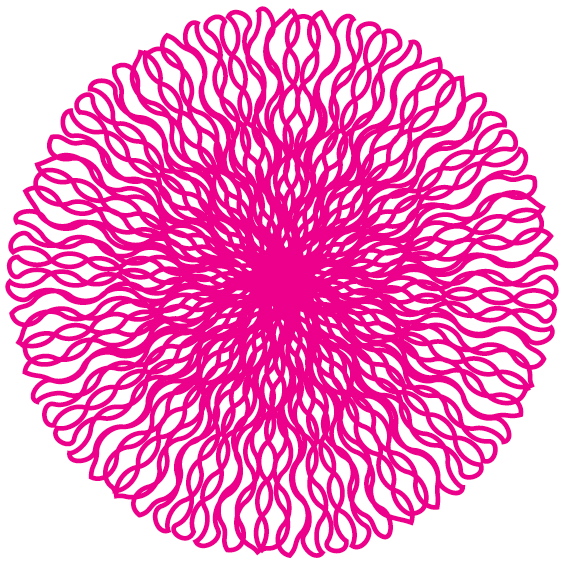
Warning: This is a time-sucker. I can’t be responsible for the loss of productivity that will ensue after you read this post!
I stumbled across an interesting “effect” today while trying to accomplish something else entirely.
1. Select the Polygon Frame Tool, and then click on your page.
2. Fill in the dialog box as shown below:
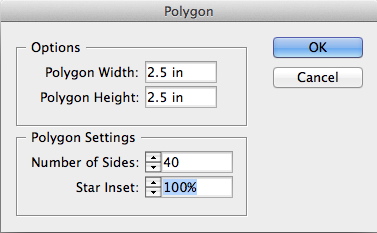
3. Give the polygon a fill color of none and a stroke color (I used red).
4. Assign a 1 pt stroke weight to the polygon.

5. Change the Stroke Type to Wavy.
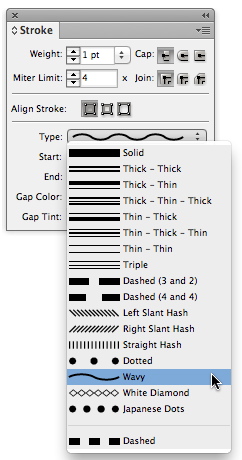
6. Now experiment with the weight of the stroke. Also, experiment with changing the stroke alignment from Center to Outside in the Stroke panel. Have fun!
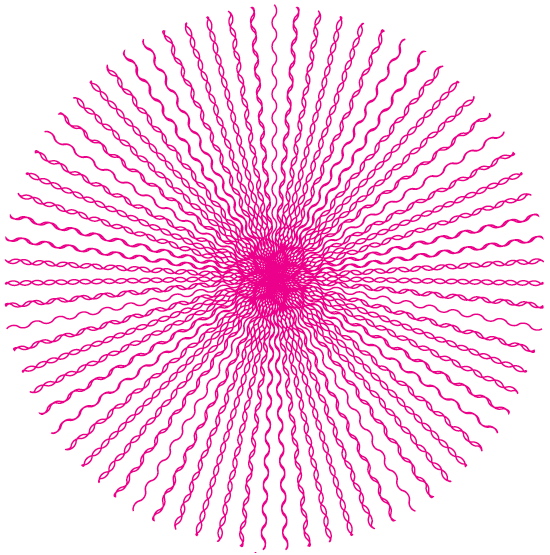
4 pt stroke, center stroke alignment
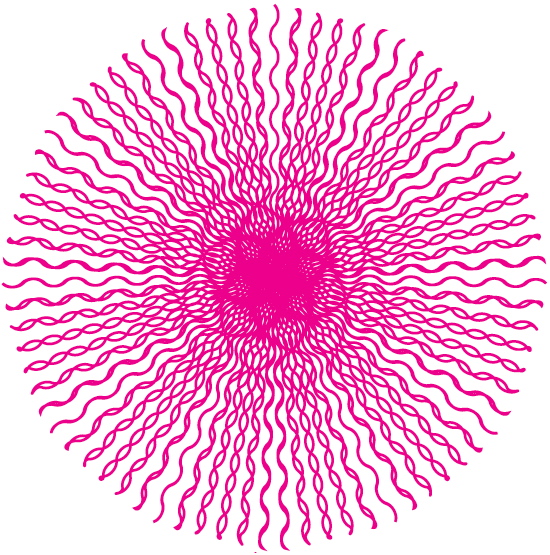
7 pt stroke, center stroke alignment
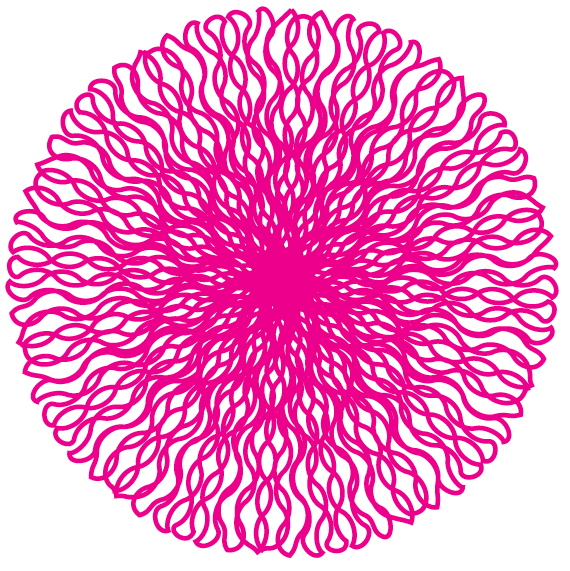
12 pt stroke, outside stroke alignment
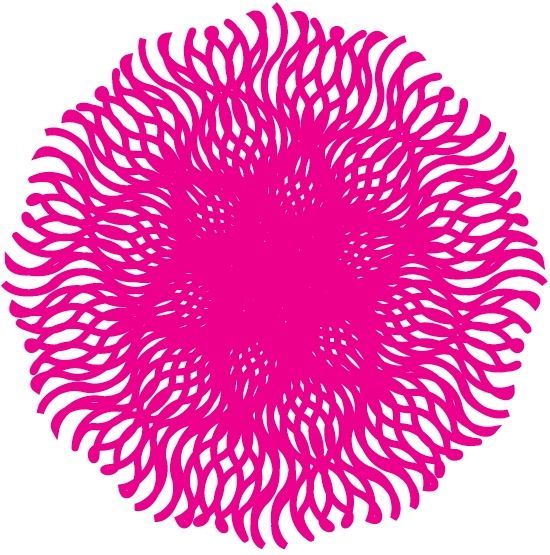
18 pt stroke, center stroke alignment

18 pt stroke, outside stroke alignment

23 pt stroke, center stroke alignment
This article was last modified on December 21, 2021
This article was first published on October 26, 2012
Commenting is easier and faster when you're logged in!

Recommended for you
Illustrator Downloadable: Art Deco Borders and Brushes
Custom patterns and brushes to add a sleek and swanky style to your designs
Create a Reusable Art Deco Pattern Brush in Adobe Illustrator
One of Illustrator’s greatest strengths is the ability to easily make reusable d...
Livestream Video: Building Patterns in Adobe Photoshop
Join Khara Plicanic to learn how to build amazing patterns in Adobe Photoshop.