



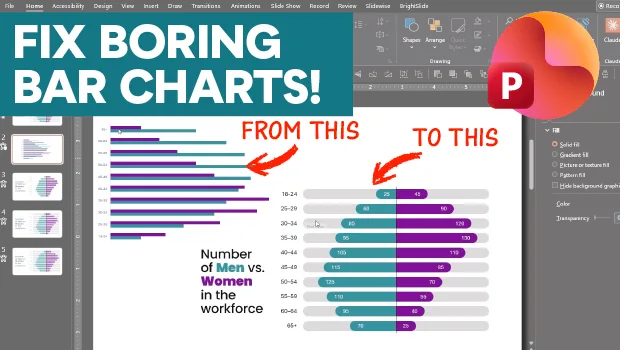
In this PowerPoint how-to video, Stephy Hogan shows how to elevate a basic clustered bar chart into a beautiful mirrored version. To create the mirror effect, she converts some of her data to negative numbers and then aligns the data bars. Finally, she fancies up her chart with placeholder bars and rounded corners.
Subscribe to the CreativePro YouTube channel for more helpful design tips!
This article was last modified on August 14, 2026
This article was first published on August 14, 2026
Commenting is easier and faster when you're logged in!

Recommended for you
Export a PDF to a PowerPoint File from Acrobat
Editing your PDF file will be a breeze if you export it to PowerPoint, with Chad...
How to Make an Animated GIF in PowerPoint
Create a looping animation in PowerPoint using the Morph transition.

How to Create Attention-Grabbing Agenda Slides for Presentations
Do your agenda slides need a makeover? Jody Wissing's step-by-step approach will...