




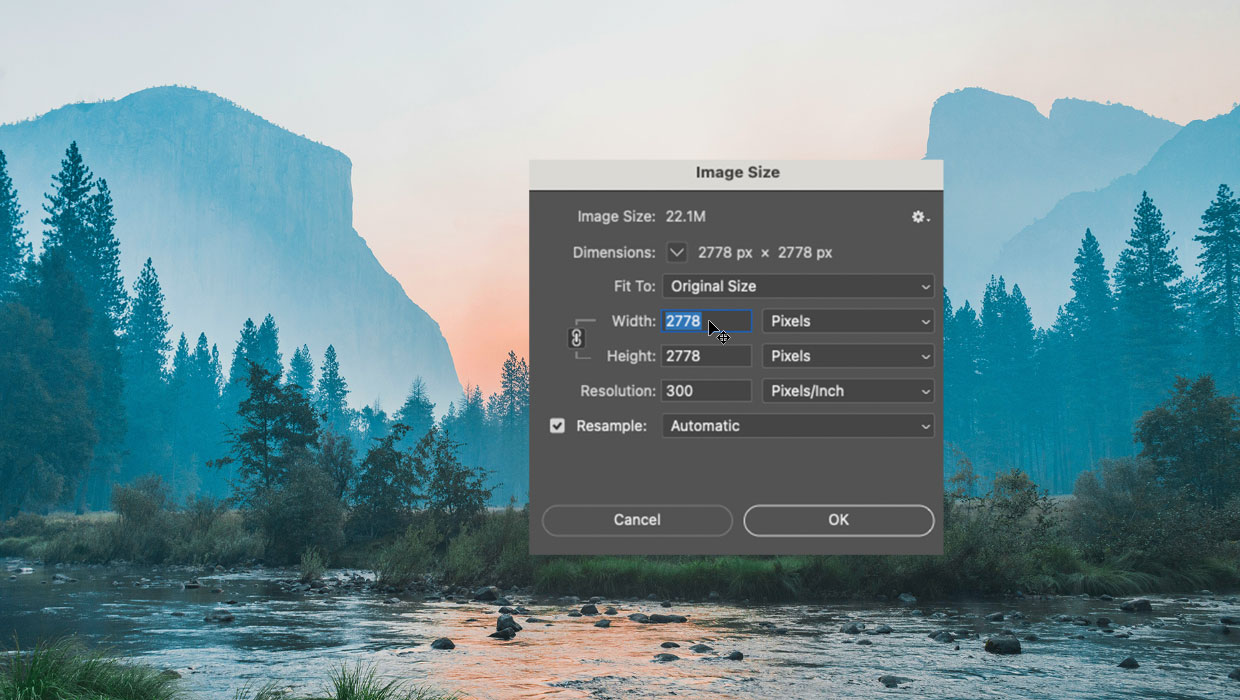
Image resolution is a tricky topic. Everyone knows it’s important to print quality. And many folks have the idea that 72 ppi is “bad” and 300 ppi is “good.” But what do those numbers really mean? And where did they come from? What’s the difference between resizing and resampling? It can all be quite confusing when you’re looking at an image in Photoshop and need to decide what to do with it.
That’s why Khara Plicanic devoted an entire live stream video to the topic. In the video, she walks you through the use of the Crop tool, clarifies the differences between image size and resolution, shows proper techniques for resizing images, and how to avoid wrecking the quality of your images when cropping them (aka “death by cropping”). The livestream took place July 31, 2024.
This article was last modified on August 29, 2025
This article was first published on August 8, 2024
Commenting is easier and faster when you're logged in!

Recommended for you
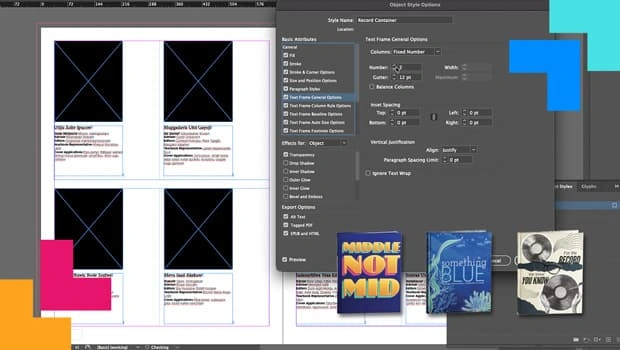
How Data Merge and Scripting Can Save the Day
Learn how InDesign’s capabilities turned a fragile, deadline-driven layout into...
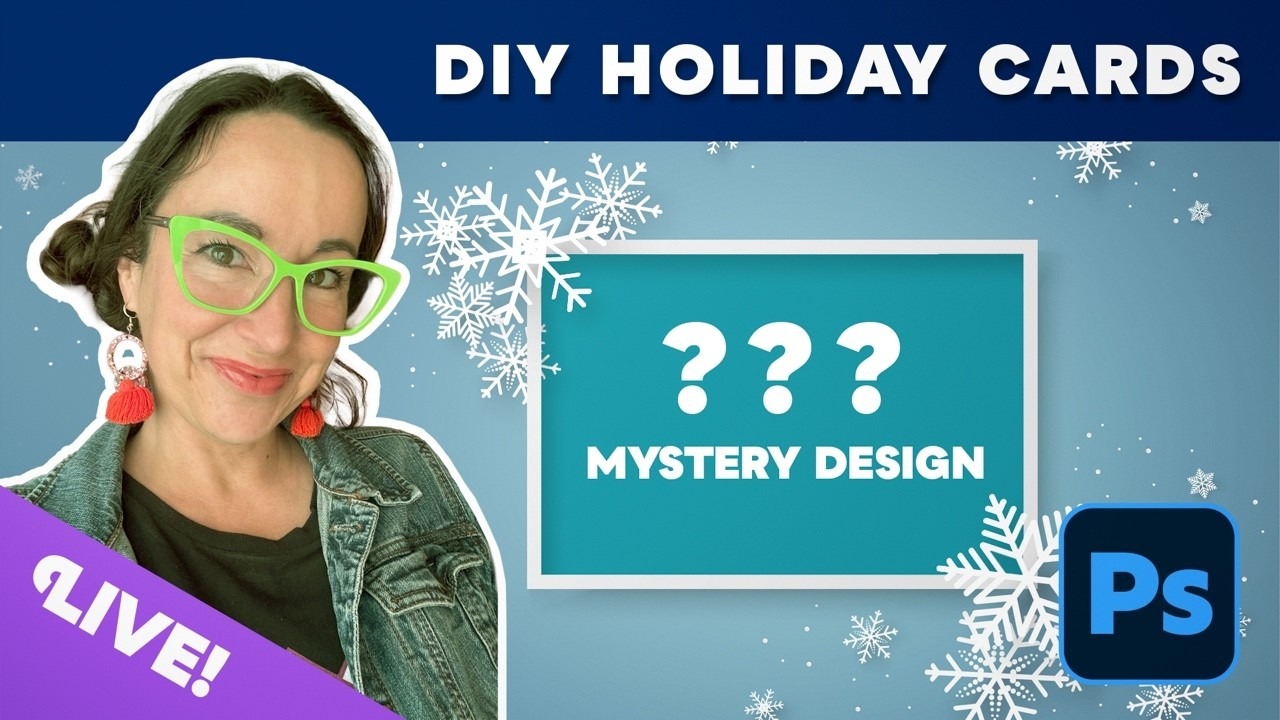
Livestream Video: DIY Holiday Cards with Photoshop
Join Khara to follow along and design your own holiday cards this year!

Example Course
This course content shows under the About tab on the main Course page. You can l...
