



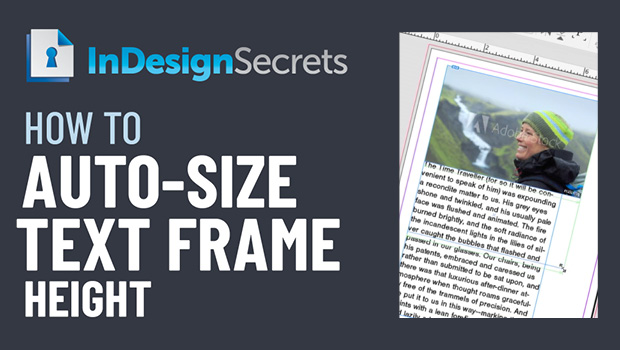
In this InDesign how-to video, Erica Gamet demos how to auto-size a text frame’s height. Setting this feature in Text Frame Options, she shows how this method helps with creating image captions. Taken from her “Become an InDesign Superhero” session at CreativePro Week 2018.
Check out new tutorials every other Tuesday on our InDesign Secrets YouTube channel, then join the discussion on our Facebook group!
This article was last modified on August 29, 2025
This article was first published on November 21, 2020
Commenting is easier and faster when you're logged in!

Recommended for you
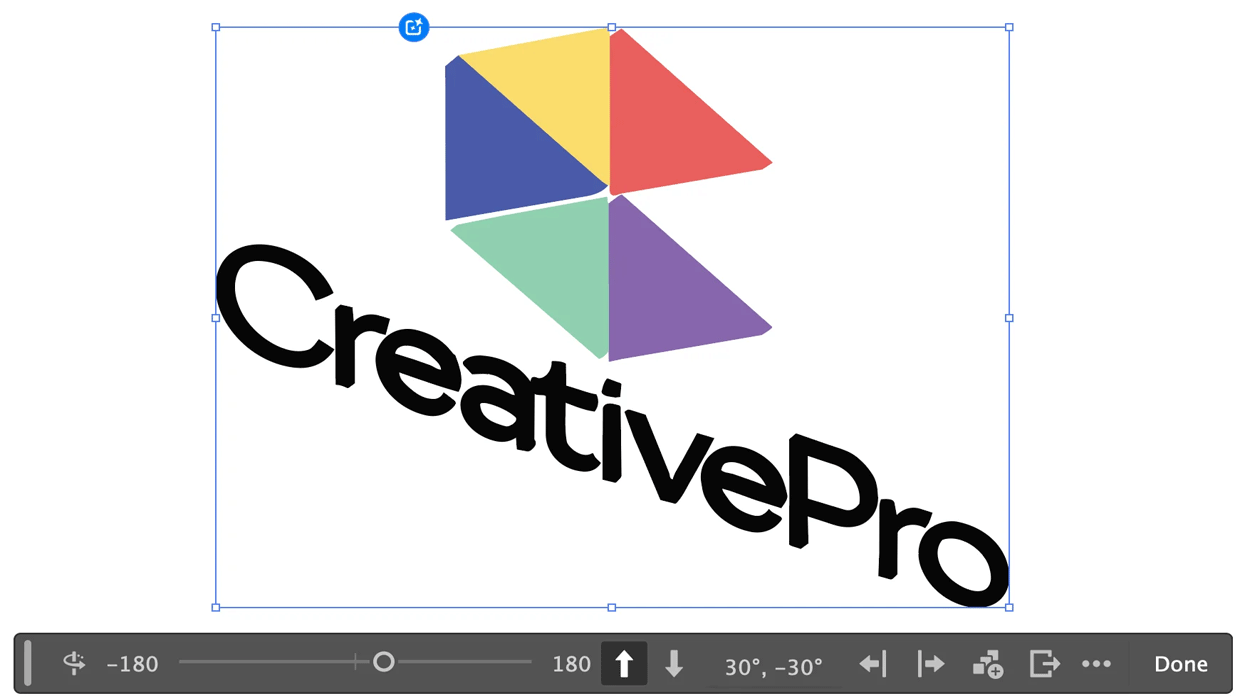
Rotating Objects in Illustrator Using Turntable
Generate vector objects from a variety of angles with the help of AI

Why Your Print Workflow May Be Stuck in the Past
A Conversation with Adobe’s Mark Lewiecki on PDF best practices for print
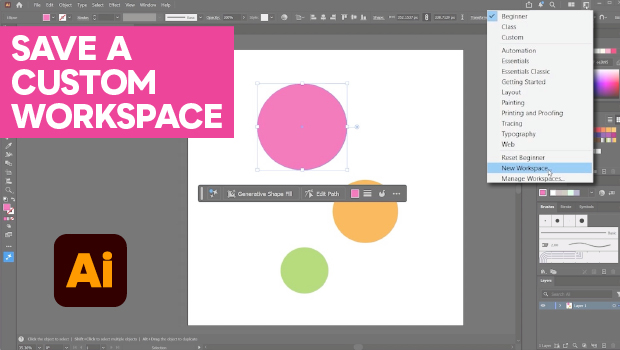
How to Make Illustrator More User Friendly
Set up your own custom workspace with Kat Kremser.