




They say sharing is caring. It’s true in life and in the world of graphic design. For example, if you care enough to use consistent colors across InDesign, Photoshop, and Illustrator, you need to share your swatches. And in the latest InDesign Secrets video at lynda.com, Anne-Marie Concepción shows how to do that, by exporting swatches from InDesign and bringing them into Illustrator and Photoshop.
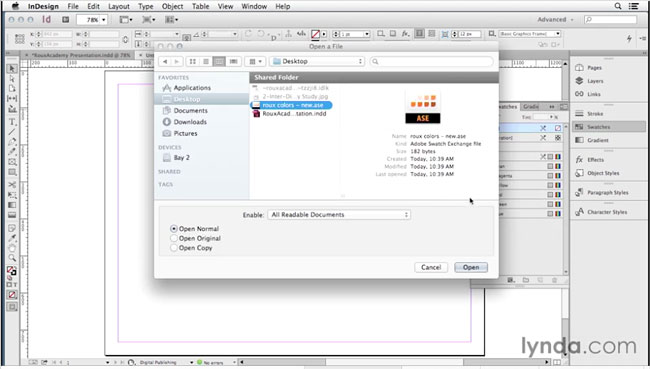
In the video, Anne-Marie shows how to quickly copy a single swatch, all swatches, or a specific subset of swatches across documents and applications. Check it out in the InDesign Secrets video series at lynda.com.
This article was last modified on March 5, 2025
This article was first published on September 5, 2014
Commenting is easier and faster when you're logged in!

Recommended for you


Recolor Images Using Extracted Color Themes in InDesign
How to unify a design composed of separate placed images by recoloring them with...

Create InDesign Swatch Groups Instantly
Khara Plicanic shows how to quickly create a swatch group in InDesign from selec...