



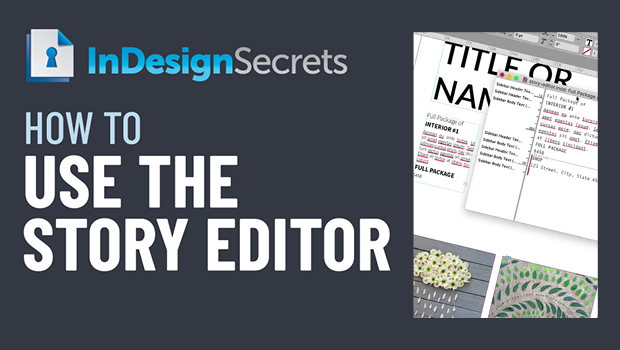
In this InDesign video, Bart Van de Wiele shows how using the Story Editor is just like having X-ray vision! He demos using it to see just the content of text frames without the distraction of formatting for easy editing and problem solving.
Check out new tutorials every other Tuesday on our InDesign Secrets YouTube channel, then join the discussion on our Facebook group!
This article was last modified on August 29, 2025
This article was first published on July 19, 2021
Commenting is easier and faster when you're logged in!

Recommended for you

7 Reasons Why You Belong at the InDesign User Group
If you’re an InDesign user, you’ll dig the IDUG

Free Webinar: Visualize Ideas Faster with Adobe Firefly Boards
Learn how Adobe Firefly Boards can help you brainstorm, organize ideas, and expl...
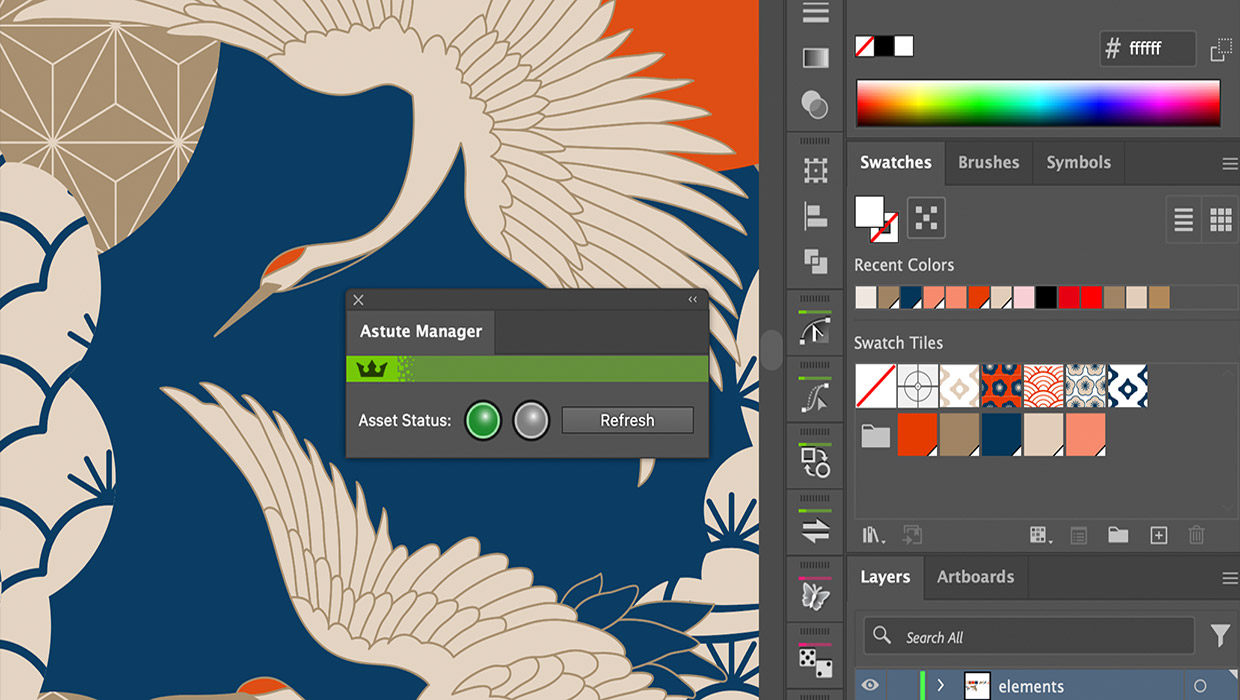
Review: Astute Manager Pro
This new service makes it easy to back up, restore, and sync your Illustrator se...