



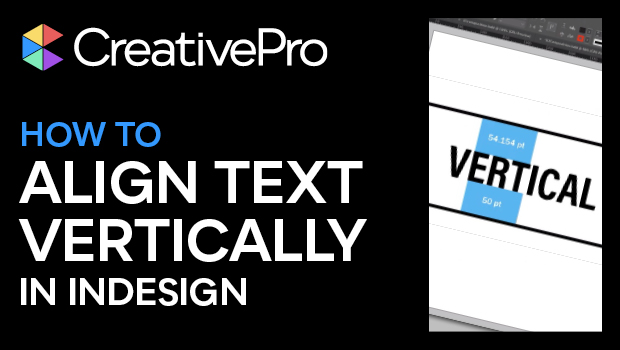
In this InDesign video, Nigel French reveals a tip for vertically aligning type within a frame. Beyond setting the vertical alignment to center, he also indicates where the first baseline should sit in relation to the frame, showing how each setting affects the overall effect.
This tutorial was taken from Nigel’s “InDesign Typography: Finessing Beyond the Defaults” session at CreativePro Week 2019.
Subscribe to the CreativePro YouTube channel for more helpful design tips!
This article was last modified on August 29, 2025
This article was first published on March 4, 2022
Commenting is easier and faster when you're logged in!

Recommended for you

7 Reasons Why You Belong at the InDesign User Group
If you’re an InDesign user, you’ll dig the IDUG
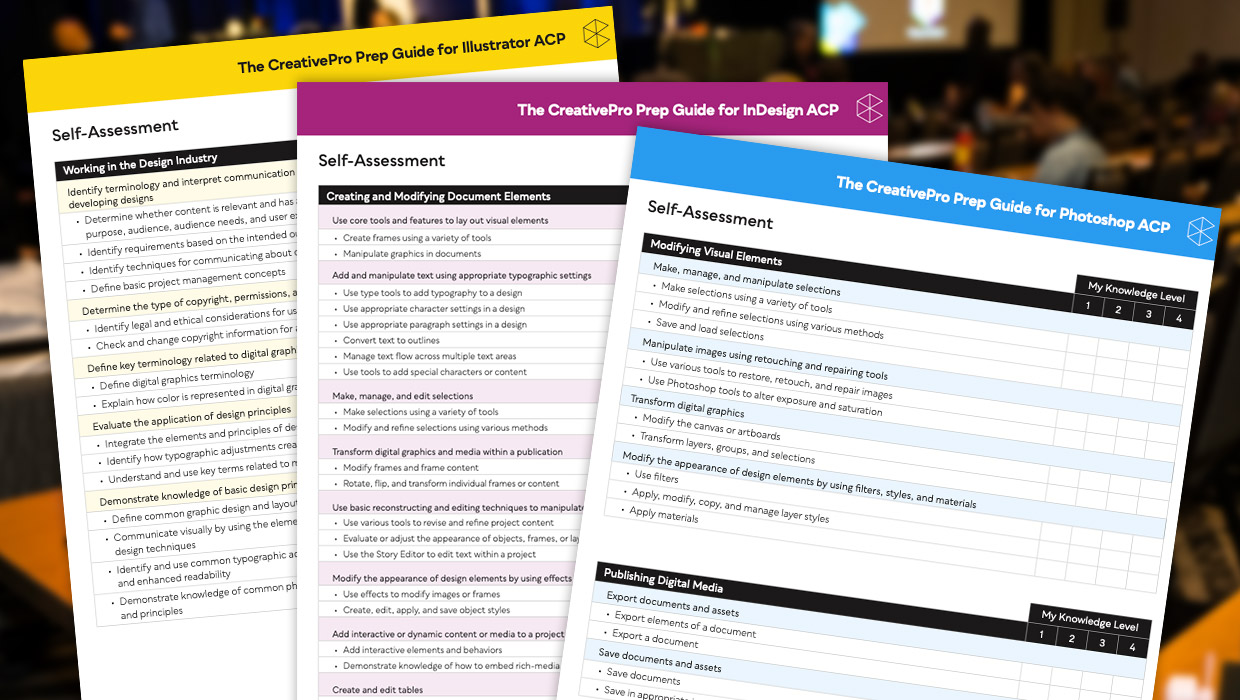
Adobe Certified Professional Exam Prep Guides
Use these self-assessment guides to determine what you should study to pass the...

Quick Wins: InDesign Template Essentials
Use these five Template Essentials collections to speed up your InDesign documen...