




In this InDesign how-to video, David Blatner shows how to quickly move photos on a page into a grid. Using object styles and the Content Collector tools, he moves the scattered images into neatly-ordered rows and columns.
Check out new tutorials every other Tuesday on our InDesign Secrets YouTube channel, then join the discussion on our Facebook group!
This article was last modified on August 29, 2025
This article was first published on August 16, 2021
Commenting is easier and faster when you're logged in!

Recommended for you


Free Webinar: Visualize Ideas Faster with Adobe Firefly Boards
Learn how Adobe Firefly Boards can help you brainstorm, organize ideas, and expl...
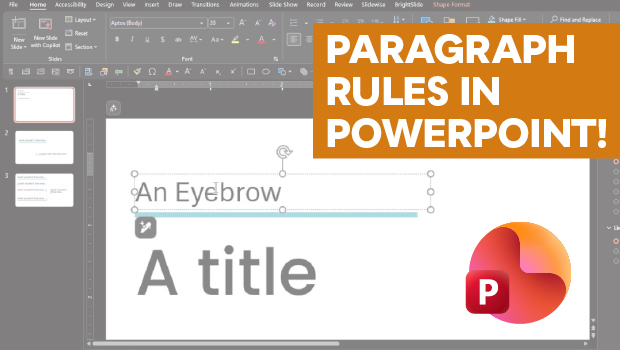
How to Add Paragraph Rules in PowerPoint
This clever workaround creates InDesign-like paragraph rules in PowerPoint.