



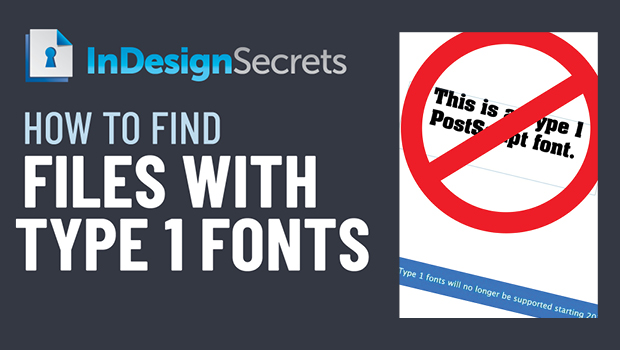
In this InDesign “Three Minutes Max” video, Mike Rankin shows how to find files that are using Type1 PostScript fonts. Adobe will be ending support for these fonts in the near future and no one has time to search files one by one. This tip uses the power of Adobe Bridge to search across multiple files.
Three Minutes Max comes from a fun—yet very competitive—session at our annual CreativePro Week conference. Speakers have three minutes (max!) to wow the audience with the tip and win a prize for a lucky conference attendee.
This article was last modified on August 29, 2025
This article was first published on January 14, 2022
Commenting is easier and faster when you're logged in!

Recommended for you

Opinion: InDesign’s Auto-generate Alt Text Feature Needs to Change
How it might damage your accessibility workflow and how it can be fixed

InDesign Can Create More Kinds of QR Codes Than You Think
With the right syntax, you can make QR codes that dial phone numbers, add calend...

Free Webinar: Bullets and Numbering in InDesign
Learn awesome pointers about bullets, lists, and numbering in InDesign.