



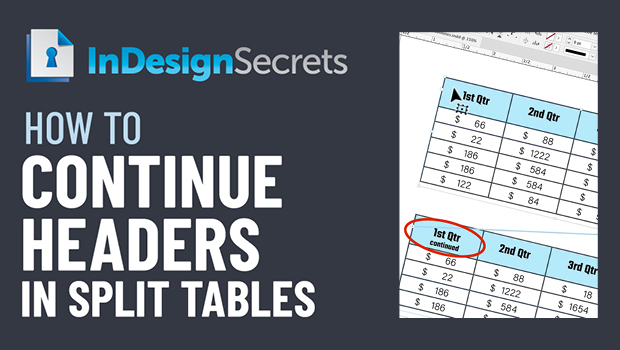
In this InDesign how-to video, Jason Hoppe demos a clever way to have one table header for the first instance of a split table, and a different one for all subsequent locations. It takes a little bit of behind-the-scenes magic, but it gets the job done nicely!
This comes from Jason’s “Tabs and Tables” session at CreativePro’s InDesign + Type Summit 2021.
This article was last modified on August 29, 2025
This article was first published on March 11, 2022
Commenting is easier and faster when you're logged in!

Recommended for you

7 Reasons Why You Belong at the InDesign User Group
If you’re an InDesign user, you’ll dig the IDUG

Merge Ahead: Choosing the Right Tool for Variable Data Jobs
Which tool will smooth the road for the variable data that drives your customize...
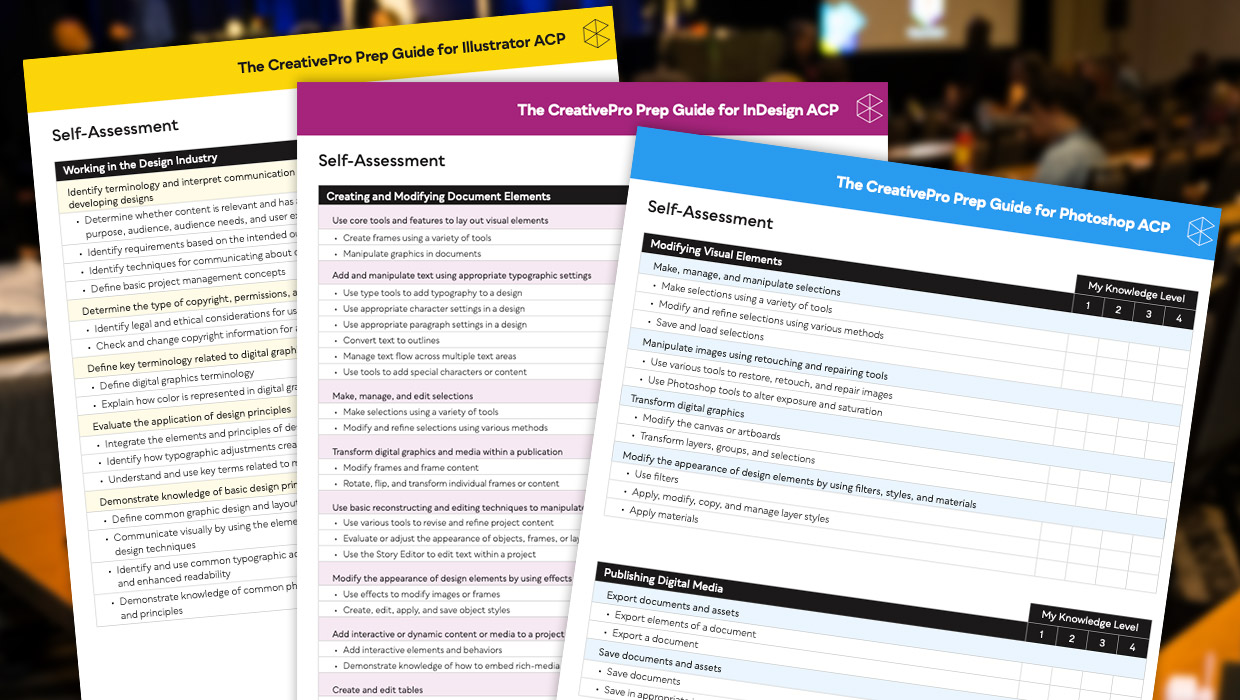
Adobe Certified Professional Exam Prep Guides
Use these self-assessment guides to determine what you should study to pass the...
