
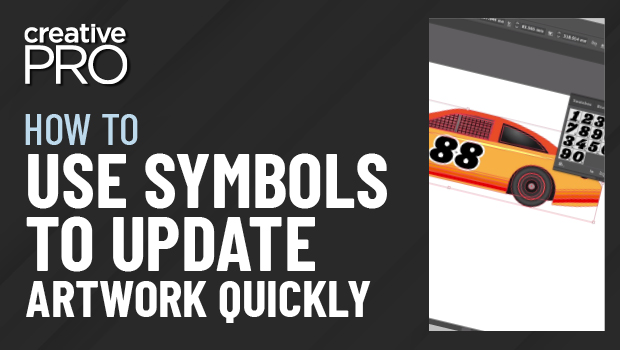
In this Illustrator how-to, Tony Harmer shows off how to put symbols to work in Illustrator. He uses a dynamic symbol to duplicate artwork that can be customized individually but still be globally updated. He then applies symbols to existing instances to change details.
Subscribe to the CreativePro YouTube channel for more helpful design tips!
This article was last modified on August 29, 2025
This article was first published on May 12, 2021
Commenting is easier and faster when you're logged in!

Recommended for you
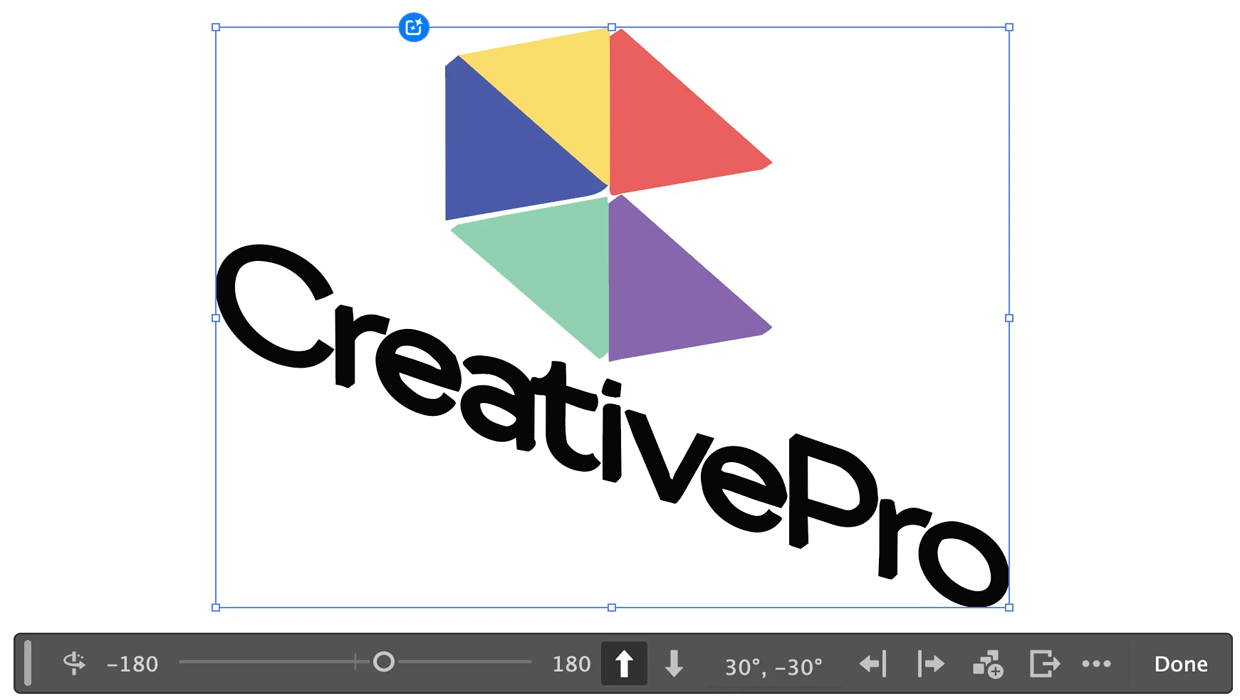
Rotating Objects in Illustrator Using Turntable
Generate vector objects from a variety of angles with the help of AI
Livestream Video: Creating 3D Lettering Using Illustrator’s Inflate Tool
Join Khara Plicanic as she shows how to create stunning 3D lettering with Illust...