
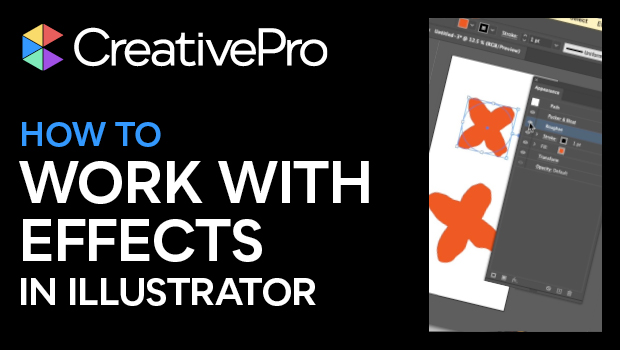
In this Illustrator how-to video, Khara Plicanic shows how to work with effects in Illustrator. She demos adding an effect and making adjustments. Khara then layers multiple effects in the Appearance panel and then expands the item’s appearance.
Subscribe to the CreativePro YouTube channel for more helpful design tips!
This article was last modified on August 29, 2025
This article was first published on May 23, 2025
Commenting is easier and faster when you're logged in!

Recommended for you
Livestream Video: Quick & Easy Vectors with Illustrator’s Shape Builder Tool
Join Khara Plicanic as she explores an easier way of drawing vector shapes in Il...
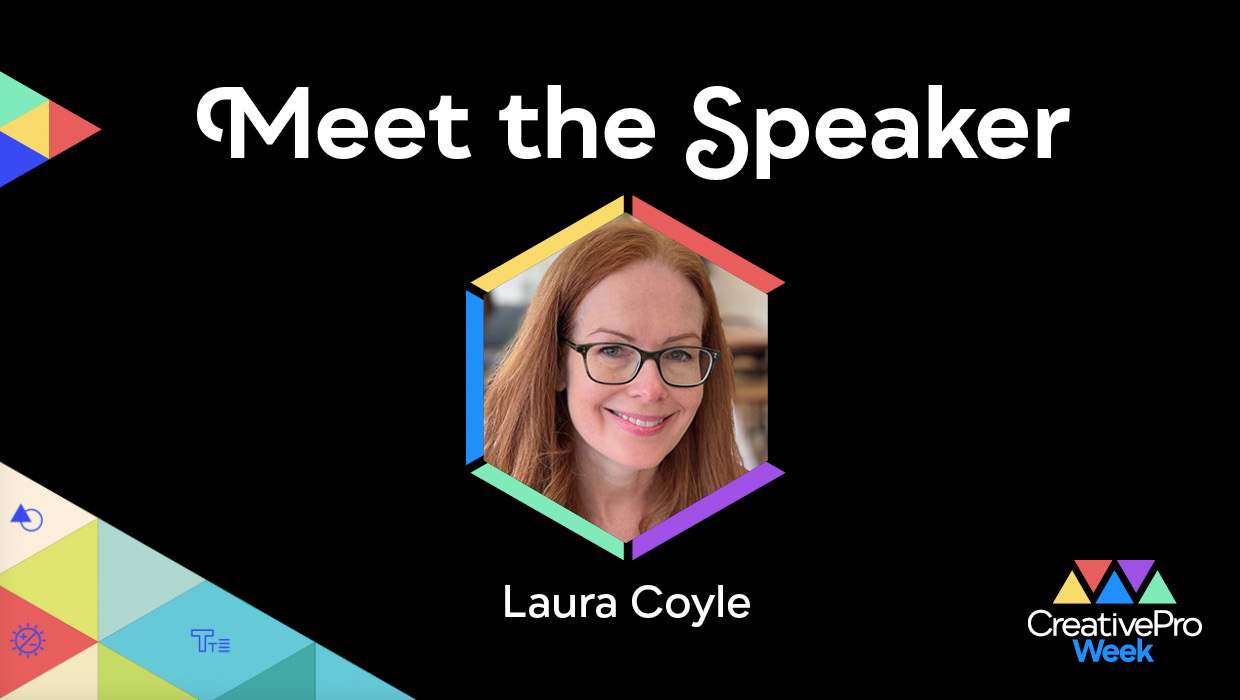
Interview with Laura Coyle, Artist and Educator
An 8-time CreativePro Week speaker offers her thoughts on building confidence an...