



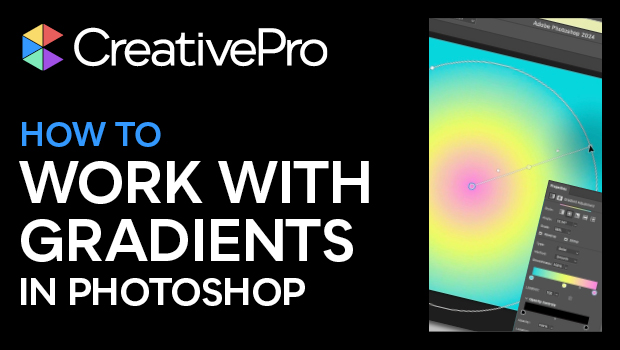
In this how-to video, Khara Plicanic wraps up her series on gradients by diving into those in Photoshop. Gradients here have come a long way and she shows how to use sample gradients, how easy it is to create and manipulate your own, and how all of it is now easily editable and non-destructive.
Subscribe to the CreativePro YouTube channel for more helpful design tips!
This article was last modified on August 29, 2025
This article was first published on July 29, 2024
Commenting is easier and faster when you're logged in!

Recommended for you
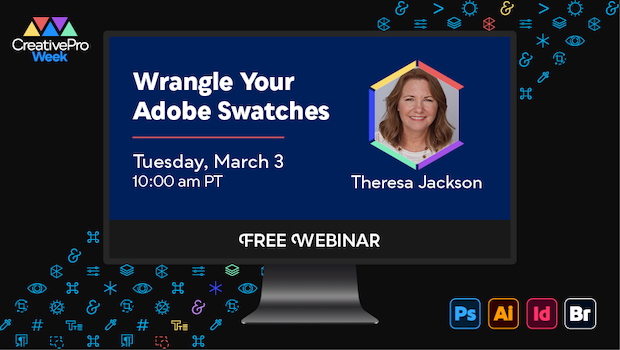
Free Webinar: Wrangle Your Adobe Swatches
Learn practical, time-saving ways to organize, share, and control color across A...
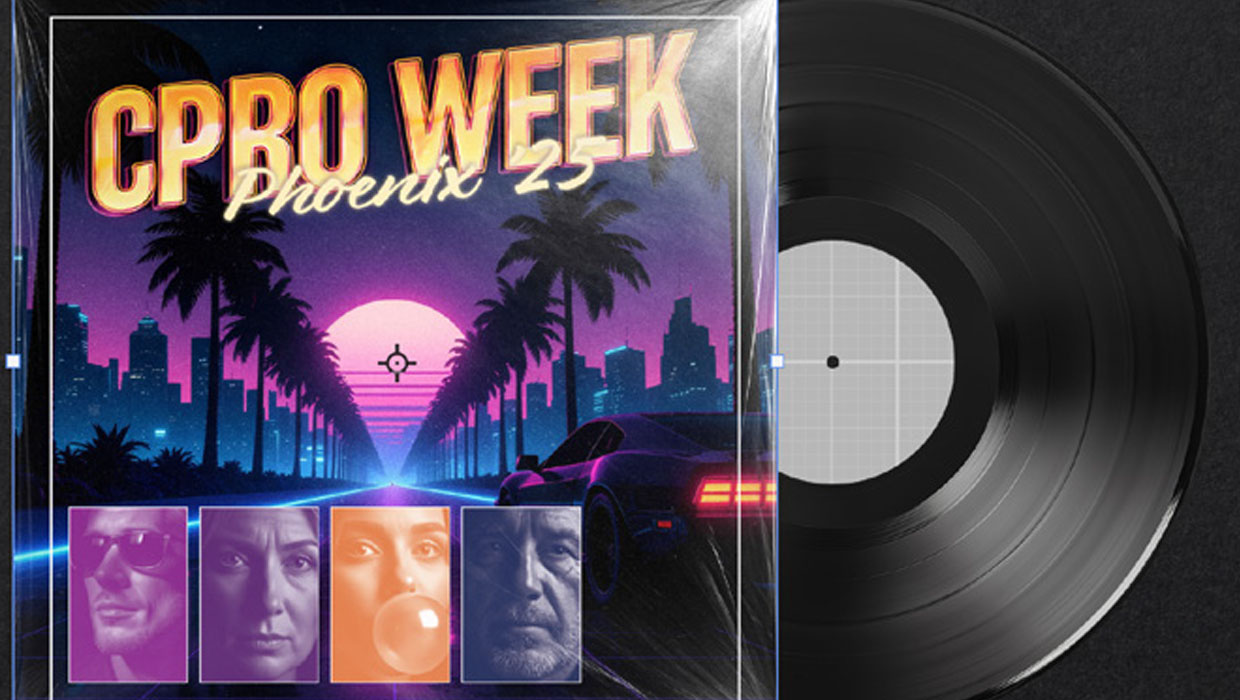
Recolor Images Using Extracted Color Themes in InDesign
How to unify a design composed of separate placed images by recoloring them with...

Free Webinar: Choosing Colors for Design and Marketing Success
Join us Tuesday, June 17 at 11 am Pacific for our free 1-hour webinar to dive in...