



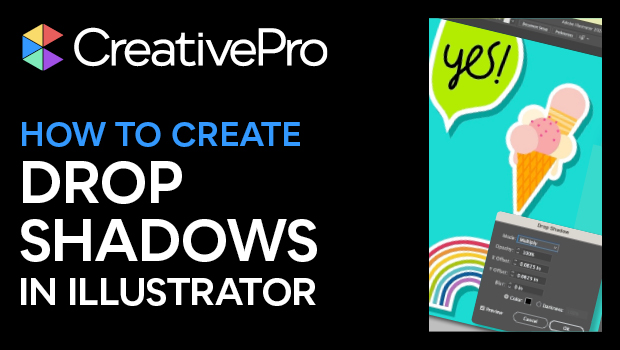
In this Illustrator how-to video, Khara Plicanic shows how easy it is to create and manipulate drop shadows. After setting her perfect drop shadow, she then saves it as a graphic style to easily apply the look to other objects. Lastly, Khara shows how to make a change to an object and get the graphic style to update all other objects with that style.
Subscribe to the CreativePro YouTube channel for more helpful design tips!
This article was last modified on August 29, 2025
This article was first published on August 14, 2024
Commenting is easier and faster when you're logged in!

Recommended for you

From Type to Table: Different Medium, Same Design Eye
Our longtime typography expert explores how the core principles of design transl...

Free Webinar: Accessibility Essentials
Learn the foundational concepts, terminology, and best practices that every desi...

Why Your Print Workflow May Be Stuck in the Past
A Conversation with Adobe’s Mark Lewiecki on PDF best practices for print