



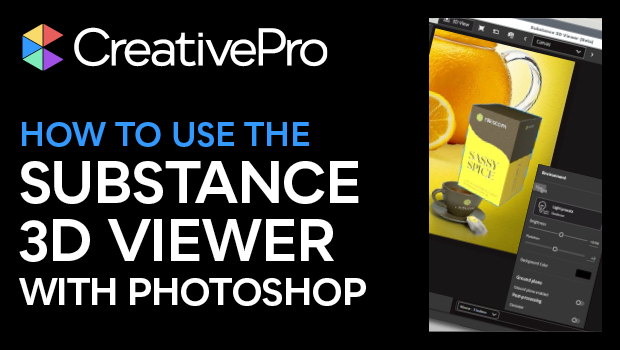
In this CreativePro Week sneak peek, Chris Converse demos the new 3D Substance Viewer for Photoshop. This standalone app lets you save a 3D object as a Smart Object, then make adjustments to it in 3D space. Chris then shows how to adjust lighting, map artwork to the object, then send the adjusted object back to the Photoshop layout.
This video is a preview of one of Chris’ sessions at our upcoming CreativePro Week Conference. See the agenda and register now!
Subscribe to the CreativePro YouTube channel for more helpful design tips!
This article was last modified on August 29, 2025
This article was first published on February 13, 2025
Commenting is easier and faster when you're logged in!

Recommended for you

Free Webinar: Visualize Ideas Faster with Adobe Firefly Boards
Learn how Adobe Firefly Boards can help you brainstorm, organize ideas, and expl...

7 Reasons Why You Belong at the InDesign User Group
If you’re an InDesign user, you’ll dig the IDUG
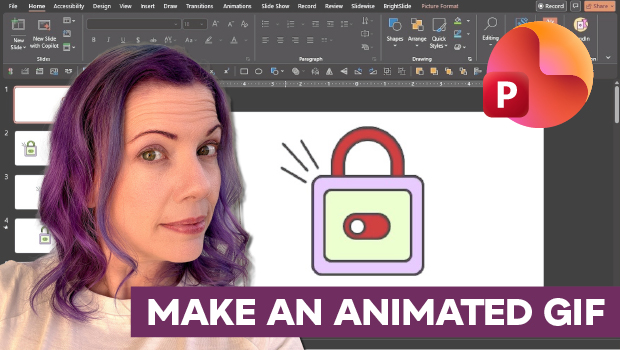
How to Make an Animated GIF in PowerPoint
Create a looping animation in PowerPoint using the Morph transition.