



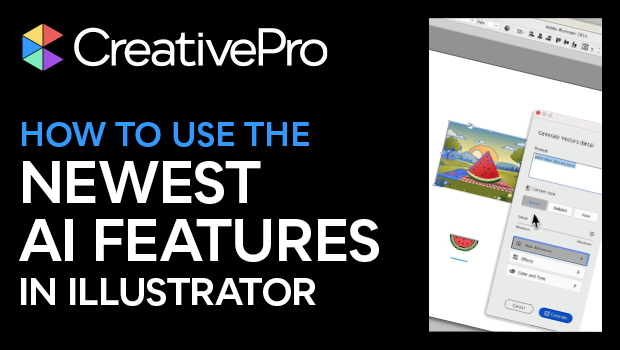
In this Design + AI Summit sneak peek, Jason Hoppe shows how to use Illustrator’s new AI features to create vector art. Using a prompt, he shows how to quickly generate an object, a scene, and even simplified icon art. Each generation offers up three variations and you can continue to generate images until you find the perfect one.
This sneak peek video is a preview of Jason’s “Adobe Illustrator and AI” session at our upcoming Design + AI Summit. See the agenda and register now!
Subscribe to the CreativePro YouTube channel for more helpful design tips!
This article was last modified on August 29, 2025
This article was first published on October 21, 2024
Commenting is easier and faster when you're logged in!

Recommended for you
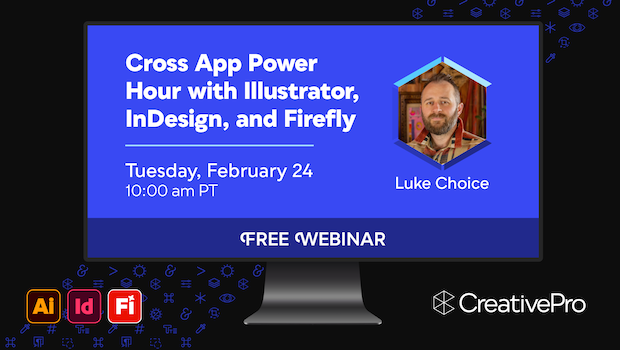
Free Webinar: Cross App Power Hour with Illustrator, InDesign, and Firefly
Explore practical AI-powered tools in Illustrator, InDesign, and Firefly that wi...
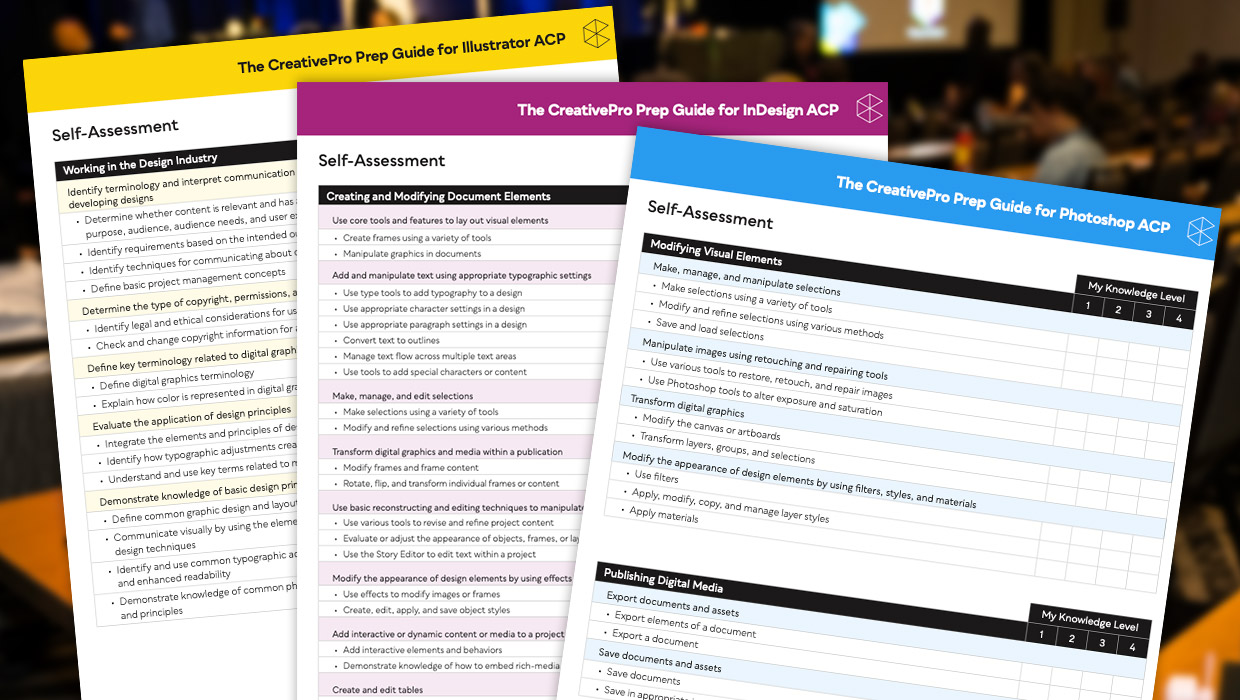
Adobe Certified Professional Exam Prep Guides
Use these self-assessment guides to determine what you should study to pass the...
CreativePro Week 2026 Preview: 5 Pixel-Perfect Photoshop and Illustrator Sessions
Our Editor in Chief lists his must-see Photoshop and Illustrator sessions at Cre...