



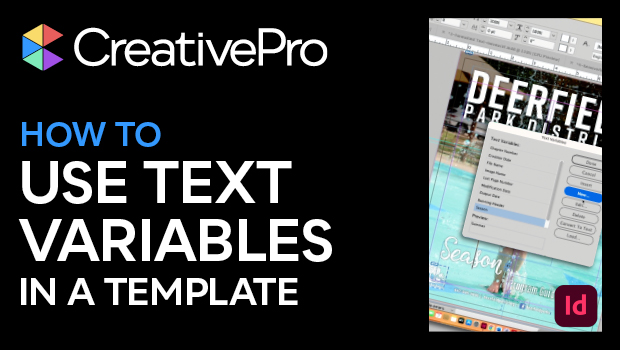
In this InDesign video, Laurie Ruhlin shows how she sets up a text variable with custom text in a template file. She can set placeholders for information that needs to change with each document created from that template. When working on the next iteration, it’s as easy as changing the text in one place to have it change across the document.
This video is an excerpt from Laurie’s “Putting It All Together” session at CreativePro Week.
Subscribe to the CreativePro YouTube channel for more helpful design tips!
This article was last modified on August 29, 2025
This article was first published on July 1, 2024
Commenting is easier and faster when you're logged in!

Recommended for you
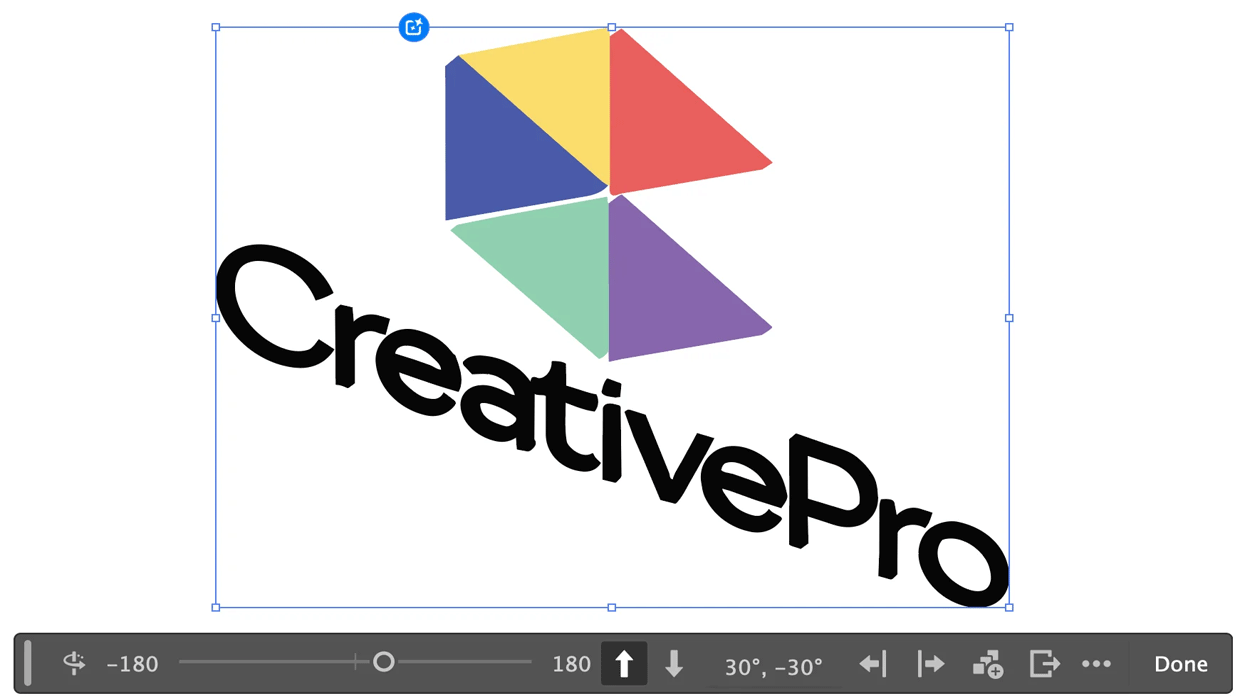
Rotating Objects in Illustrator Using Turntable
Generate vector objects from a variety of angles with the help of AI
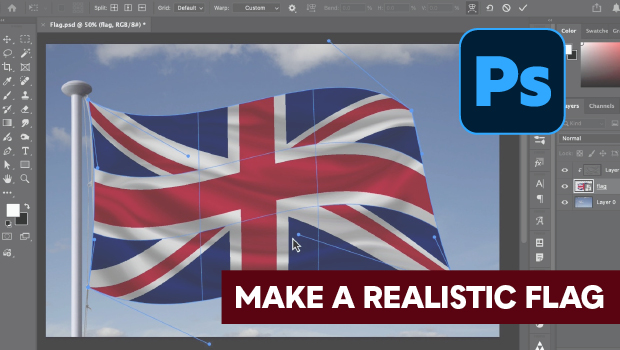
How to Make a Realistic Flag in Photoshop
Create a realistic waving flag in Photoshop with Steve Caplin.

What If Your Proofing Tool Could Markup the Proof for You?
Imagine opening a proof and seeing suggested markups already waiting – hig...