



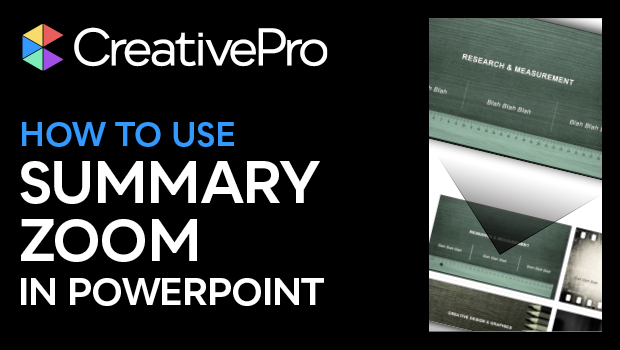
In this video, Nolan Haims shows how to use Powerpoint’s Summary Zoom to focus in on a particular slide and back out again to a selection of slides. He uses this method as a great alternative to boring and uninteresting bullet points.
This video in an excerpt from Nolan’s “Alternatives to Bullet Points” session at CreativePro Week.
Subscribe to the CreativePro YouTube channel for more helpful design tips!
This article was last modified on August 29, 2025
This article was first published on August 30, 2024
Commenting is easier and faster when you're logged in!

Recommended for you
How to Convert PowerPoint Slides to Google Slides
Learn how to convert your PowerPoint deck to Google Slides and how to fix the th...
How to Create Attention-Grabbing Agenda Slides for Presentations
Do your agenda slides need a makeover? Jody Wissing's step-by-step approach will...
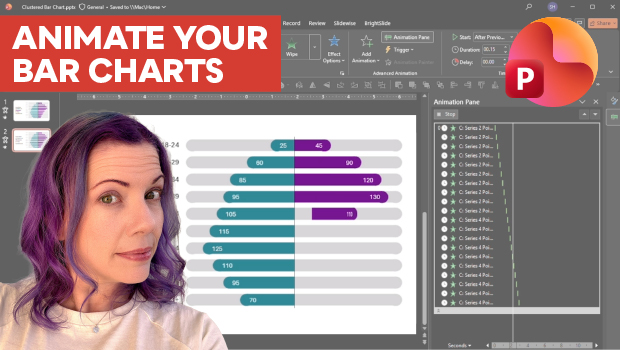
Animate a Waterfall Effect on a PowerPoint Bar Chart
Stephy Hogan is back with another eye-catching animated chart design.