



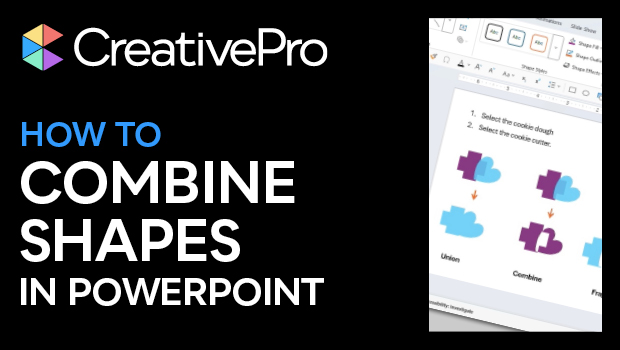
In this PowerPoint how-to video, Stephy Hogan shows how to combine shapes in several ways, using the merge shapes options. She explains that the order you select shapes in dictates the results and demos each of the combinations available.
Subscribe to the CreativePro YouTube channel for more helpful design tips!
This article was last modified on October 30, 2025
This article was first published on May 30, 2025
Commenting is easier and faster when you're logged in!

Recommended for you
How to Convert PowerPoint Slides to Google Slides
Learn how to convert your PowerPoint deck to Google Slides and how to fix the th...
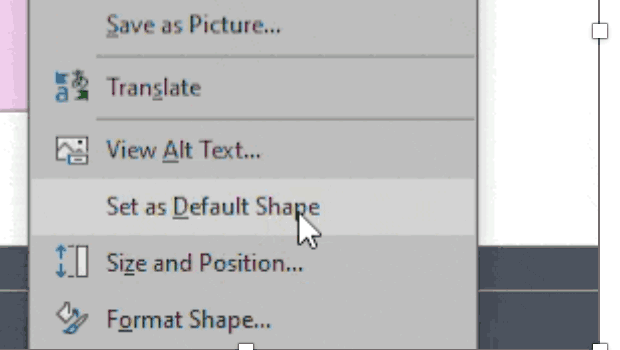
How to Set Default Shapes, Lines, and Text Box Styles in PowerPoint
One way to make working in PowerPoint smoother is to set default shapes, lines,...
How to Make an Animated GIF in PowerPoint
Create a looping animation in PowerPoint using the Morph transition.