

In this InDesign how-to video, Erica Gamet shows how to use GREP in Find/Change to search for a pattern of text with multiples of a type of character. In the first example, she looks for a series of numbers, without knowing how many digits might be in a string. Erica then demos finding a minimum number and then a range, all using the power of GREP.
This video is an excerpt from the CreativePro course “Introduction to GREP for InDesign.”
Subscribe to the CreativePro YouTube channel for more helpful design tips!
This article was last modified on August 29, 2025
This article was first published on June 24, 2024
Commenting is easier and faster when you're logged in!

Recommended for you

Editor’s Picks for The Design + Accessibility Summit 2026
Our Editor in Chief lists his must-see sessions for The Design + Accessibility S...
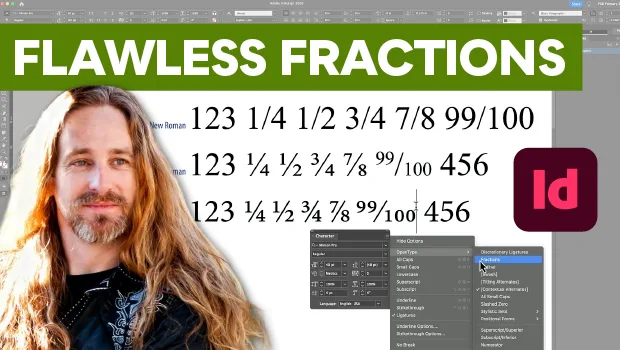
Create Flawless Fractions with OpenType
Choose your font carefully if you need flawless fractions!