



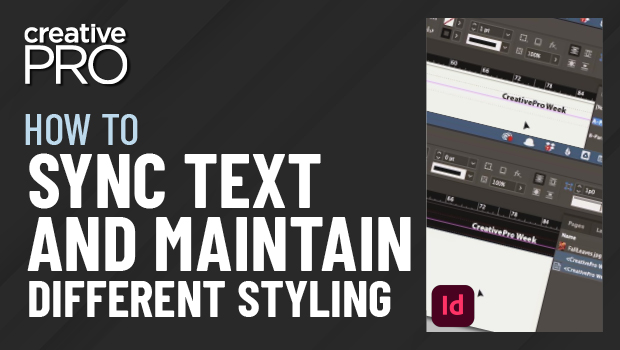
In this InDesign video, David Blatner shows a technique to duplicate and sync text, while maintaining different styling for each instance. In his example, he demos how to have a page header with black text on one page and the same text displayed on a black background with white text on another. Because they are synced, any text changes in the first frame will be reflected in any synced frame, but any styling applied—the text color in this case—will remain.
This video is an excerpt from David’s “Favorite Tips” session with Anne-Marie Concepción at CreativePro Week 2022.
This article was last modified on August 29, 2025
This article was first published on November 21, 2022
Commenting is easier and faster when you're logged in!

Recommended for you
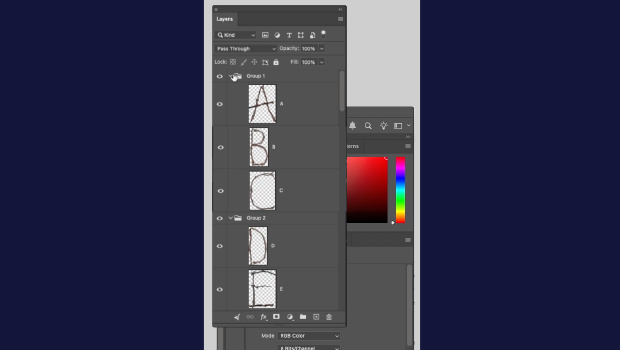
How to Collapse All Layer Groups in Photoshop
Khara Plicanic shows how to manage your layer groups in Photoshop with one quick...
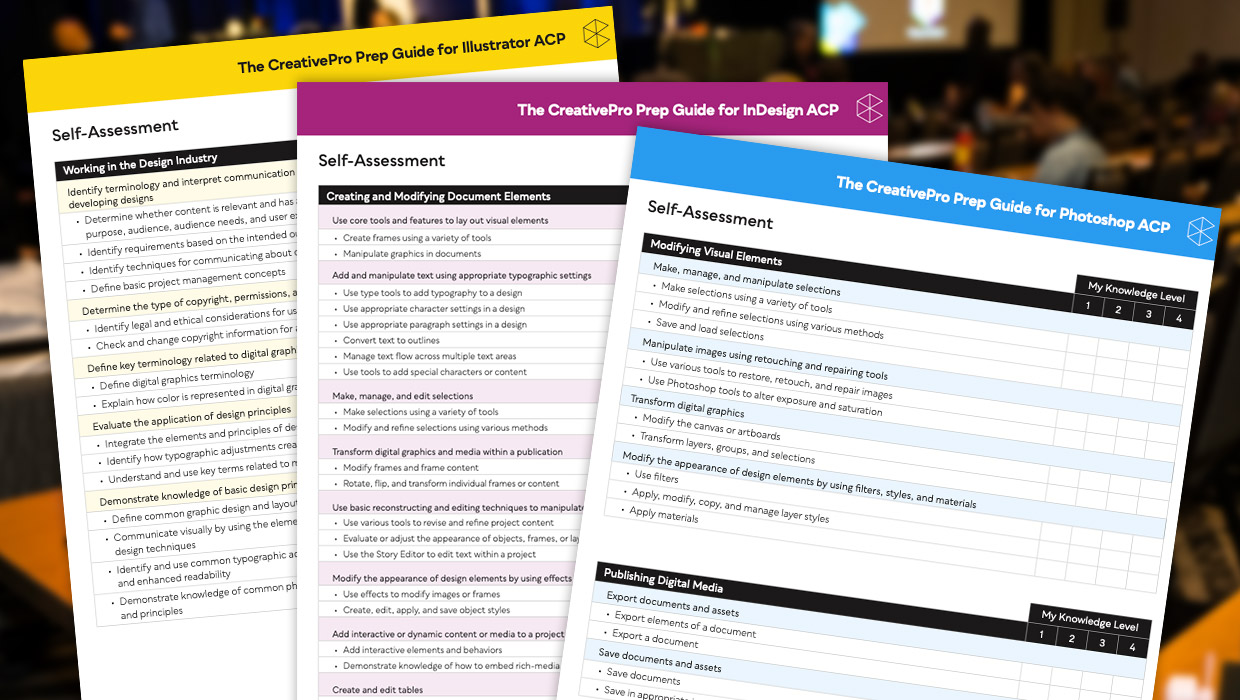
Adobe Certified Professional Exam Prep Guides
Use these self-assessment guides to determine what you should study to pass the...

A Script for Styling Punctuation in InDesign
This free script formats punctuation to match the text immediately before and af...