



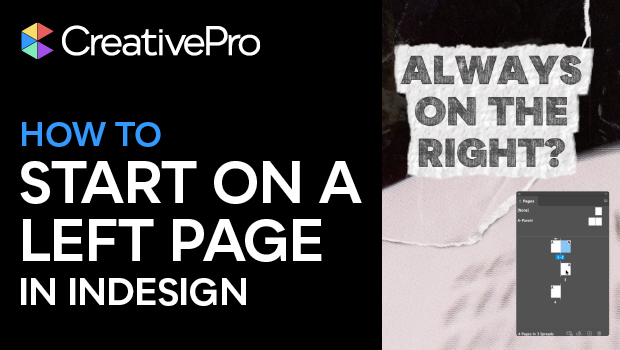
Tired of having InDesign insist that your document starts on a right-hand page? In this short video, Khara Plicanic shows you how to tell it to start your document on the left, instead.
Subscribe to the CreativePro YouTube channel for more helpful design tips!
This article was last modified on December 5, 2025
This article was first published on November 24, 2025
Commenting is easier and faster when you're logged in!

Recommended for you
Free Webinar: Visualize Ideas Faster with Adobe Firefly Boards
Learn how Adobe Firefly Boards can help you brainstorm, organize ideas, and expl...

10 Terrific Time Savers for InDesign
Life is busy. Work is hard. Use these tips to get more done faster.
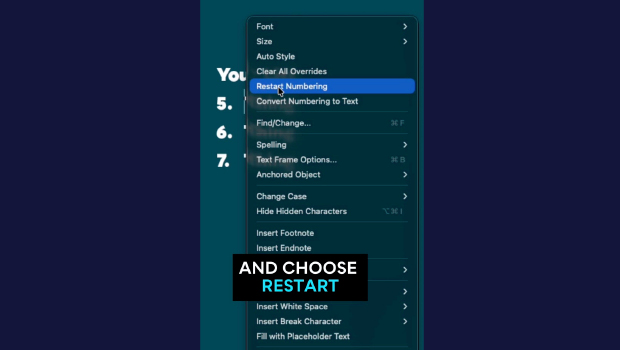
Quickly Renumber a List in InDesign
Khara Plicanic shows how to renumber an InDesign list without digging through me...