



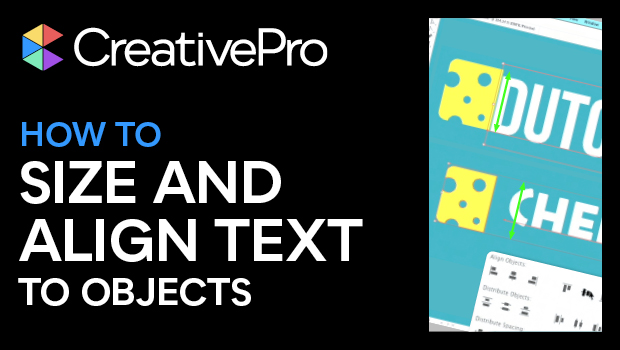
In this “Three Minutes Max” video, Rob de Winter shows how to overcome an issue with sizing and aligning text in Illustrator in regards to other objects. He reveals an added setting in the Character panel that allows you to set measurements based on the text’s x-height for better manipulation. Rob then demos how to align text—and not its bounding box—with an object.
Three Minutes Max comes from a fun—yet very competitive—session at our annual CreativePro Week conference. Speakers have three minutes to wow the audience with the tip and win a prize for a lucky conference attendee.
Subscribe to the CreativePro YouTube channel for more helpful design tips!
This article was last modified on August 29, 2025
This article was first published on June 26, 2024
Commenting is easier and faster when you're logged in!

Recommended for you

CreativePro Week 2026 Preview: 5 Indispensable InDesign Sessions
Five sessions InDesign users can't afford to miss

Interview with Monika Gause, Print Designer and Illustrator Expert
Q&A with Monika Gause, who is presenting at the 2026 Design + AI Summit for Crea...

Creating Quick Mockups in Illustrator
How to use the Mockup panel in Illustrator to preview what your art will look li...