



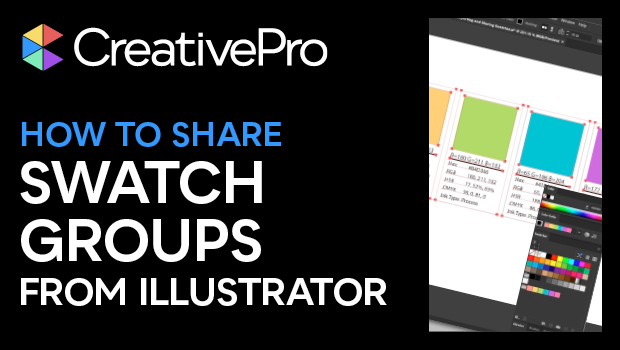
In this Illustrator how-to video, Kat Kremser shows how to use the brand-new Swatch Info feature to create detailed swatch lists for brand guides. She also explores how to add swatch groups to Adobe CC Libraries to use in other Adobe apps or share easily with collaborators.
Subscribe to the CreativePro YouTube channel for more helpful design tips!
This article was last modified on August 29, 2025
This article was first published on July 22, 2025
Commenting is easier and faster when you're logged in!

Recommended for you

Livestream Video: Quick & Easy Vectors with Illustrator’s Shape Builder Tool
Join Khara Plicanic as she explores an easier way of drawing vector shapes in Il...
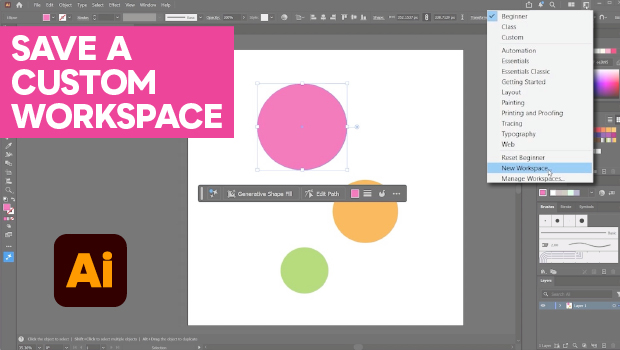
How to Make Illustrator More User Friendly
Set up your own custom workspace with Kat Kremser.
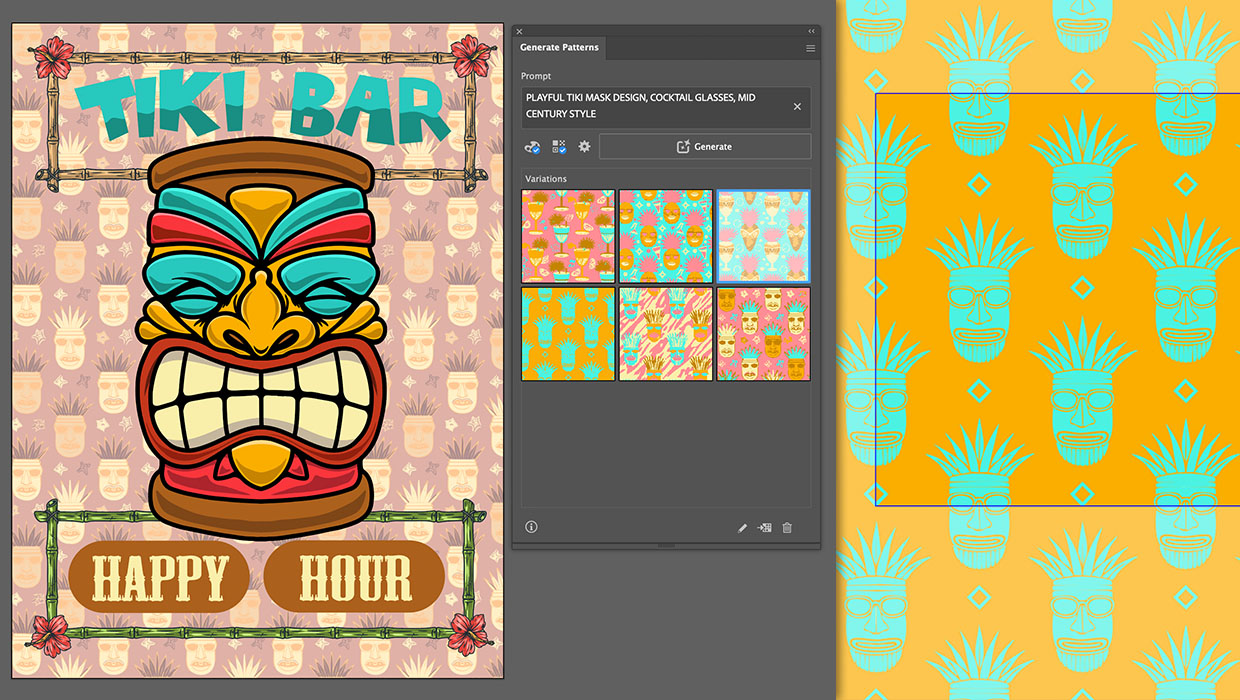
Generating Vector Patterns in Illustrator
Making patterns from prompts opens up a whole new world of creative possibilitie...