



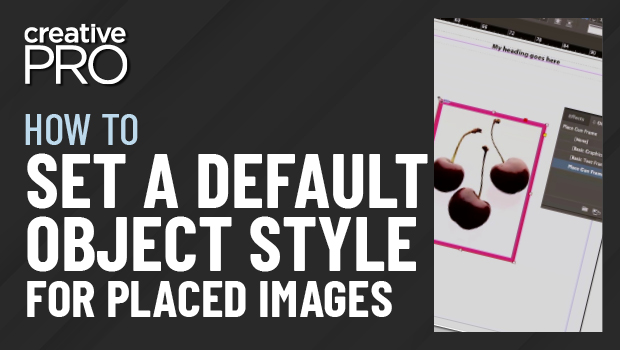
In this InDesign how-to video, David Blatner shows how to set an object style that will automatically apply to images as they’re placed. While you can set a default object style in any document, InDesign ignores this when it comes to placing images. David explains how you can create a specific style that will easily fix this issue.
This video is an excerpt from David’s “Favorite Tips” session with Anne-Marie Concepción at CreativePro Week 2022 in Washington, D.C.
This article was last modified on August 29, 2025
This article was first published on September 12, 2022
Commenting is easier and faster when you're logged in!

Recommended for you
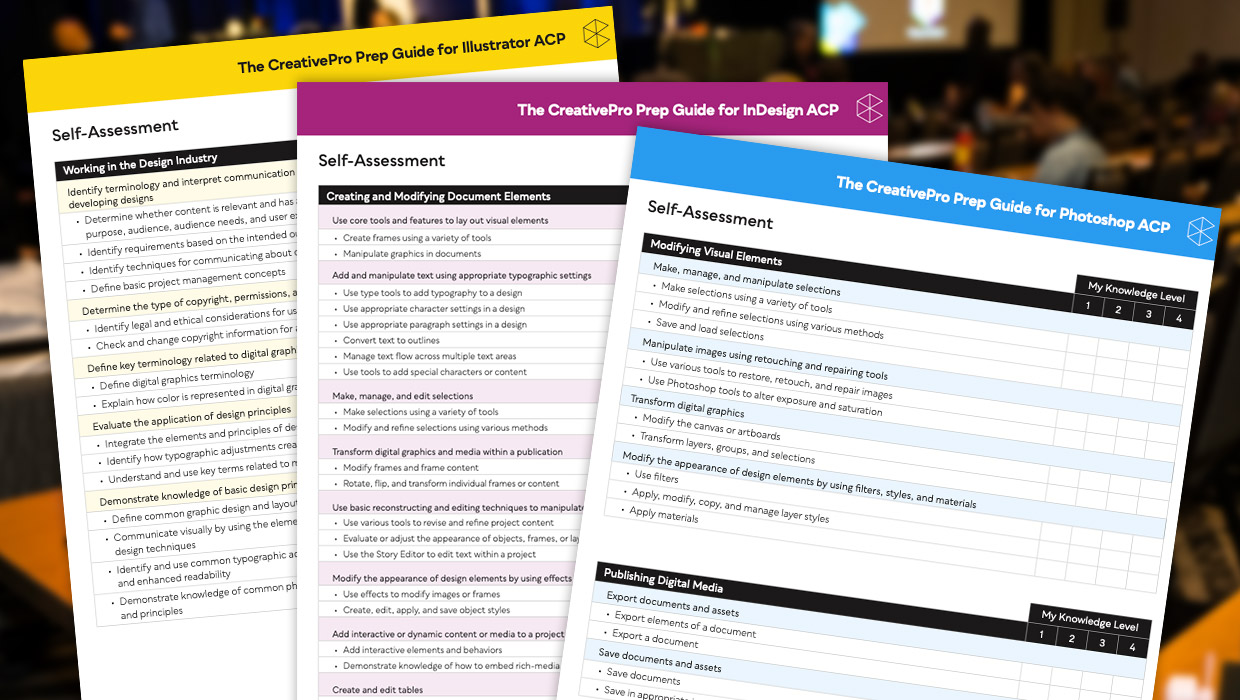
Adobe Certified Professional Exam Prep Guides
Use these self-assessment guides to determine what you should study to pass the...
Why Your Print Workflow May Be Stuck in the Past
A Conversation with Adobe’s Mark Lewiecki on PDF best practices for print

Adobe Unveils Major Expansion of Creative Agent Across Firefly and Creative Cloud Apps Including Photoshop and Premiere
Adobe is giving creative professionals an AI Assistant that orchestrates multi-s...