



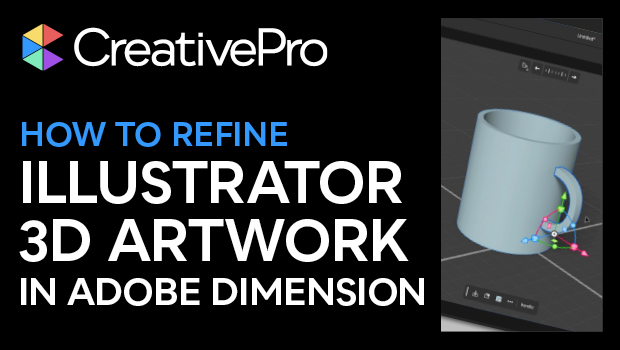
In this 3D how-to video, Joseph Labrecque shows how to take 3D artwork created with Illustrator and refine it in a true 3D environment. He starts with vectors and uses the Revolve and Extrude functions in Illustrator for a 3D appearance. Joseph then exports the file as a 3D format and creates a more realistic model in Adobe Dimension.
This is just a taste of the amazing content you’ll learn in Joseph’s upcoming session at The Design + Marketing Summit 2025, being held online July 28–30. See the agenda and sign up now!
Subscribe to the CreativePro YouTube channel for more helpful design tips!
This article was last modified on August 29, 2025
This article was first published on June 18, 2025
Commenting is easier and faster when you're logged in!

Recommended for you
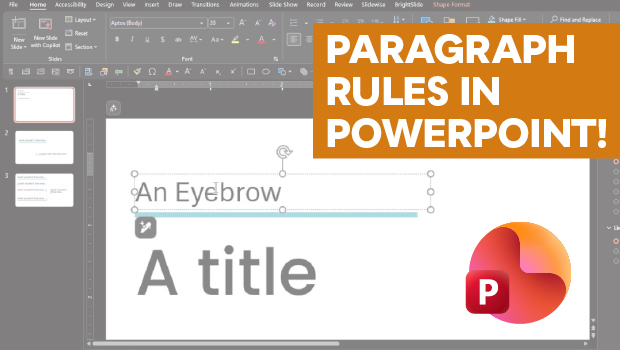
How to Add Paragraph Rules in PowerPoint
This clever workaround creates InDesign-like paragraph rules in PowerPoint.
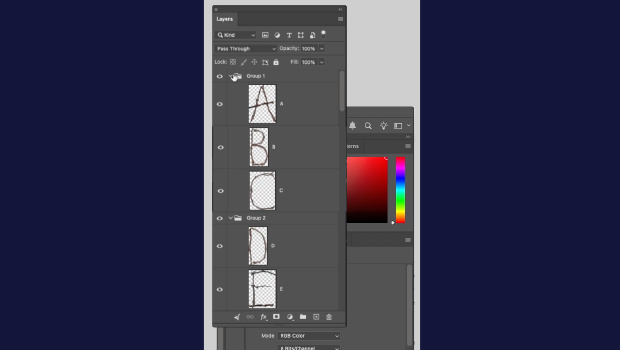
How to Collapse All Layer Groups in Photoshop
Khara Plicanic shows how to manage your layer groups in Photoshop with one quick...
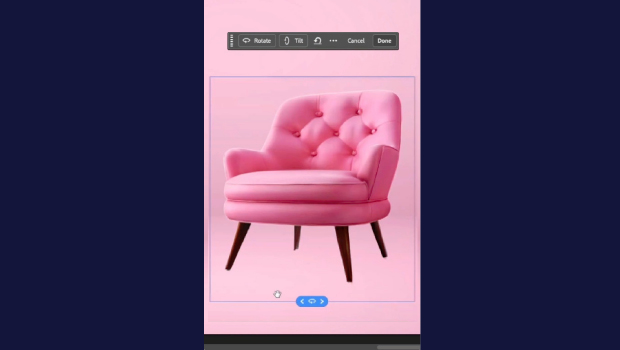
Rotate Flat Elements in 3D Space in Photoshop
Khara Plicanic demonstrates how to take a flat photo element and rotate and tilt...