



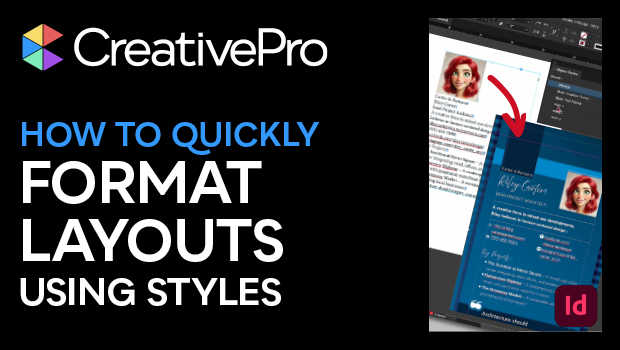
In this CreativePro Week sneak peek video, Julie Shaffer shows how you can quickly format imported data in your InDesign files by using styles wisely. She demos carefully setting up character and paragraph styles, then incorporates them into object styles. Julie then ties all the magic together by applying different looks with just one click.
This video is a preview of Julie’s session at our upcoming CreativePro Week Conference. See the agenda and register now!
Subscribe to the CreativePro YouTube channel for more helpful design tips!
This article was last modified on August 29, 2025
This article was first published on March 24, 2025
Commenting is easier and faster when you're logged in!

Recommended for you

Editor’s Picks for The InDesign Conference 2025
Our Editor in Chief lists his must-see sessions for the InDesign Conference 2025...

A Script to Remove Imported-Style Symbols in InDesign
When you place styled content from Microsoft Word into InDesign, the paragraph a...

10 Terrific Time Savers for InDesign
Life is busy. Work is hard. Use these tips to get more done faster.