




In this Presentation Design Conference sneak peek, Nolan Haims shares one of his favorite PowerPoint keyboard shortcuts. Though seemingly simple, he shows how Command/Ctrl+D can be used to duplicate elements for quicker slide creation. Finally, Nolan shows how using this shortcut on a slide itself can save you having to perform multiple undos when you want to revert to a previous look.
This sneak peek video is a preview of our upcoming Presentation Design Conference. See the agenda and register now!
Subscribe to the CreativePro YouTube channel for more helpful design tips!
This article was last modified on August 29, 2025
This article was first published on February 5, 2024
Commenting is easier and faster when you're logged in!

Recommended for you
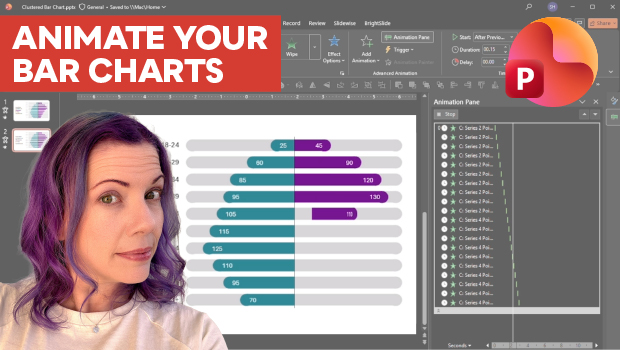
Animate a Waterfall Effect on a PowerPoint Bar Chart
Stephy Hogan is back with another eye-catching animated chart design.
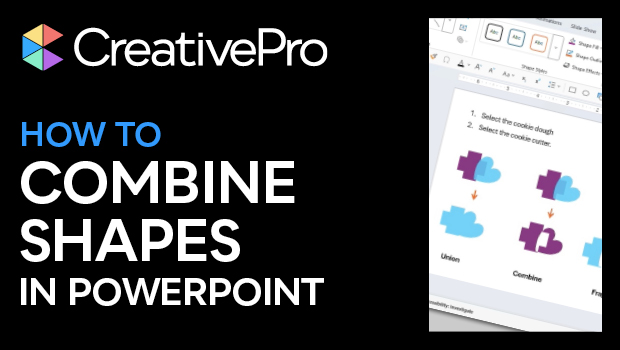
How to Use PowerPoint’s Merge Shapes Options
Learn how to combine PowerPoint shapes in several ways, using the built-in merge...

Human vs. AI Slide Design
Blend AI's speed with human insight in your presentations with Jody Wissing.