



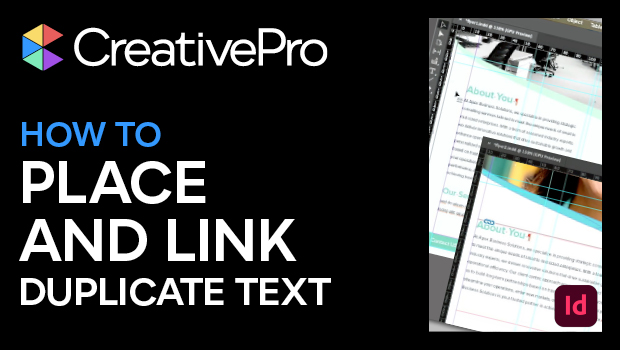
In this “Three Minutes Max” video, Bart Van de Wiele explains how to place duplicate text in InDesign that is linked together. He copies text from one document and uses the Place and Link command to place that exact text in another document. Since it’s linked, updates in the original text will ripple through the placed text.
Three Minutes Max comes from a fun—yet very competitive—session at our annual CreativePro Week conference. Speakers have three minutes to wow the audience with the tip and win a prize for a lucky conference attendee.
Subscribe to the CreativePro YouTube channel for more helpful design tips!
This article was last modified on August 29, 2025
This article was first published on November 6, 2024
Commenting is easier and faster when you're logged in!

Recommended for you
How to Create Kinetic Text in Keynote
It's a breeze to create custom typographic animations with Chris Converse.

Free Webinar: Visualize Ideas Faster with Adobe Firefly Boards
Learn how Adobe Firefly Boards can help you brainstorm, organize ideas, and expl...

From Type to Table: Different Medium, Same Design Eye
Our longtime typography expert explores how the core principles of design transl...