



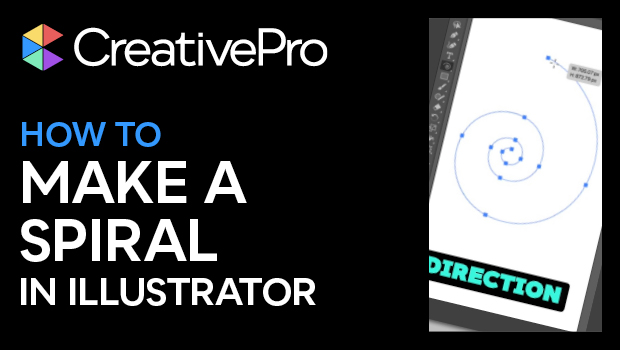
In this short Illustrator video, Khara Plicanic finds the Spiral tool hidden behind the Line Segment tool. She shows how you can easily create a spiral path, as well as move, spin, tighten, or stretch out your spiral. Lastly, she demonstrates a simple trick for adding or subtracting spiral segments.
Subscribe to the CreativePro YouTube channel for more helpful design tips!
This article was last modified on August 29, 2025
This article was first published on July 17, 2025
Commenting is easier and faster when you're logged in!

Recommended for you

Free Webinar: Cross App Power Hour with Illustrator, InDesign, and Firefly
Explore practical AI-powered tools in Illustrator, InDesign, and Firefly that wi...

Livestream Video: Creating 3D Lettering Using Illustrator’s Inflate Tool
Join Khara Plicanic as she shows how to create stunning 3D lettering with Illust...
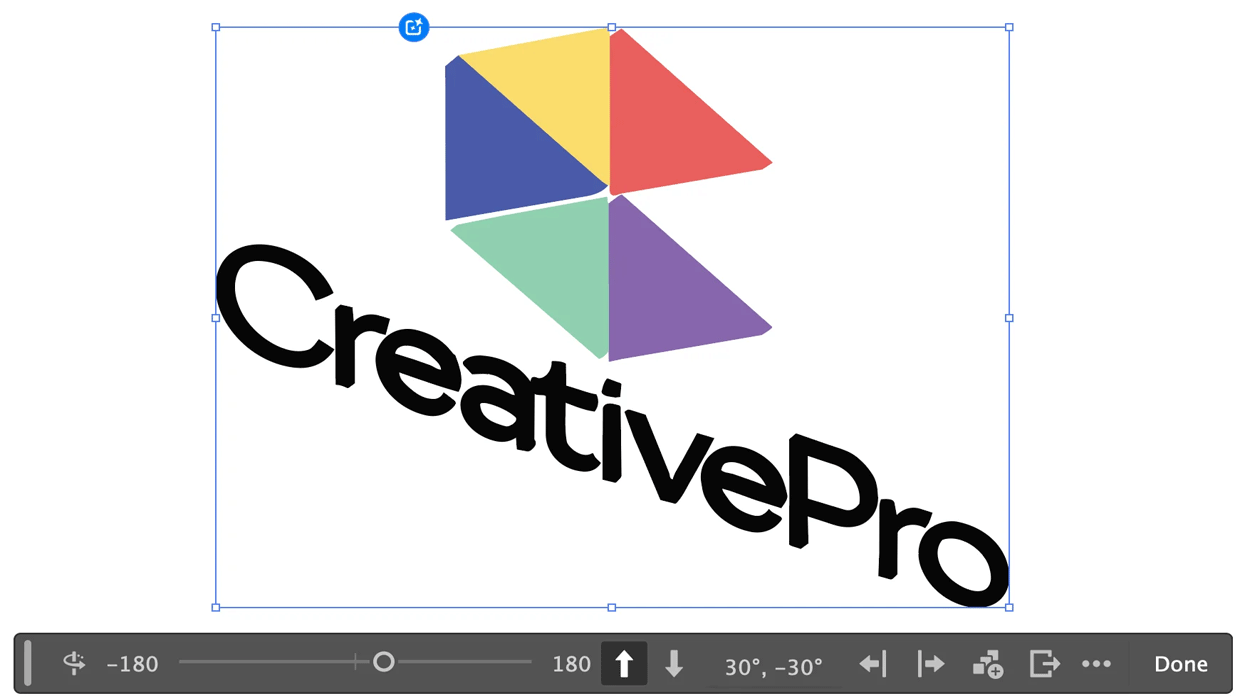
Rotating Objects in Illustrator Using Turntable
Generate vector objects from a variety of angles with the help of AI