



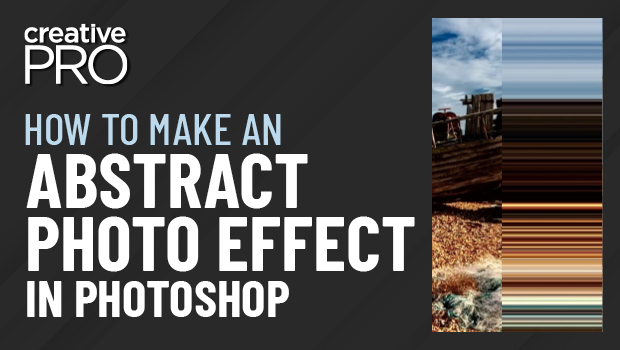
In this “Three Minutes Max” video, Nigel French shows off a quick way to create an abstract look from a photo. As he says, he uses “no artificial intelligence at all” in this old school trick. It may be a simple operation, but it can create a visually interesting—and often quite colorful—finished image.
Three Minutes Max comes from a fun—yet very competitive—session at our annual CreativePro Week conference. Speakers have three minutes (max!) to wow the audience with the tip and win a prize for a lucky conference attendee.
This article was last modified on August 29, 2025
This article was first published on November 27, 2022
Commenting is easier and faster when you're logged in!

Recommended for you
How to Work with Illustrator’s Effects
Learn how to work with effects in Illustrator and make further adjustments, incl...
How to Draw a Curvy Line in InDesign
Learn how to create a curved line in InDesign, using the Pen tool then make adju...
Recolor Images Using Extracted Color Themes in InDesign
How to unify a design composed of separate placed images by recoloring them with...