




In this how-to video, Steve Caplin shows how to easily create a composite image using Photoshop on iPhone. He demos selecting images, creating layers, and using a mask to isolate just the wanted selection. The app even recognizes individual elements in the photo and can automatically mask those.
Subscribe to the CreativePro YouTube channel for more helpful design tips!
This article was last modified on August 29, 2025
This article was first published on May 5, 2025
Commenting is easier and faster when you're logged in!

Recommended for you

From Type to Table: Different Medium, Same Design Eye
Our longtime typography expert explores how the core principles of design transl...
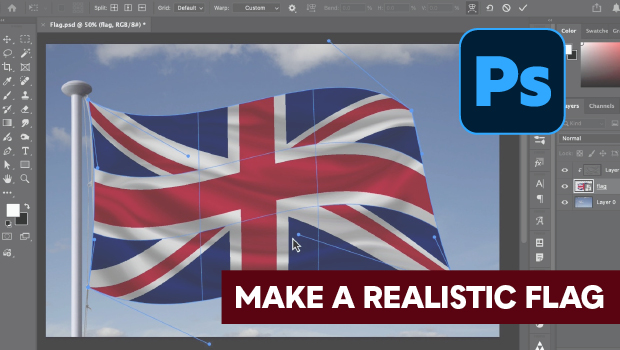
How to Make a Realistic Flag in Photoshop
Create a realistic waving flag in Photoshop with Steve Caplin.

Free Webinar: Animate Your Marketing Graphics with Photoshop
Learn how to create eye-catching animated GIFs, motion graphics, and simple vide...