



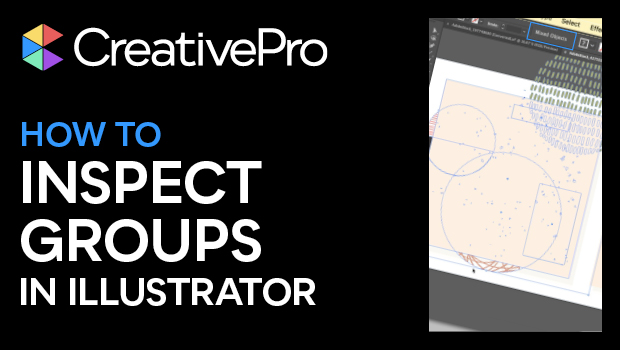
In this Illustrator how-to video, Khara Plicanic demos how to inspect how items are grouped or arranged. This can be handy when trying to dig down to individual elements—especially when you’re working with someone else’s files! Khara explains where to check whether you’re looking at a group, a compound path, or some other collection of elements.
Subscribe to the CreativePro YouTube channel for more helpful design tips!
This article was last modified on August 29, 2025
This article was first published on November 1, 2024
Commenting is easier and faster when you're logged in!

Recommended for you

A Script to Round off Size and Position Values in InDesign
Instantly clean up "messy" values by rounding them off to the nearest whole poin...

What If Your Proofing Tool Could Markup the Proof for You?
Imagine opening a proof and seeing suggested markups already waiting – hig...
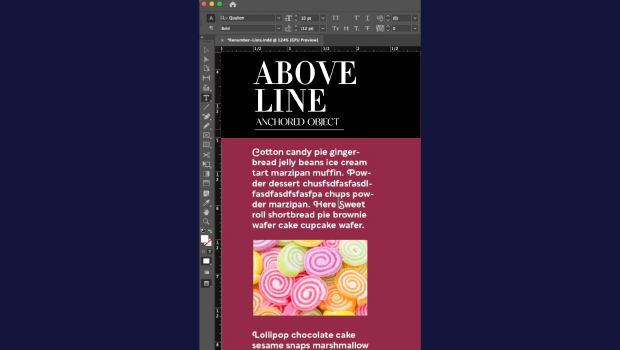
How to Make Graphics Flow with Text in InDesign
Khara Plicanic demonstrates how to add a graphic between paragraphs so it flows...