



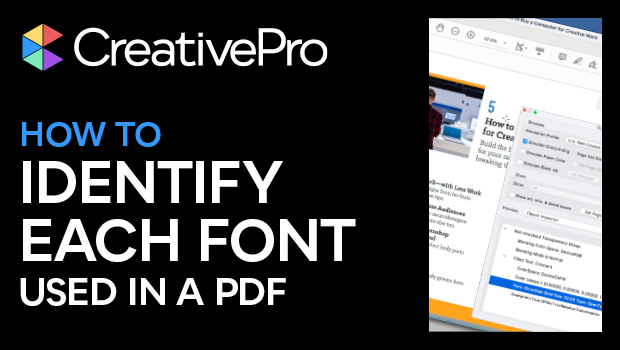
In this Acrobat how-to video, Mike Rankin shows two tips for quickly identifying a specific font used in a PDF—or all of them. He first demos how to get a general overview of all fonts used throughout the document. Mike then shows another approach, which allows you to click to identify each specific font.
Subscribe to the CreativePro YouTube channel for more helpful design tips!
This article was last modified on August 29, 2025
This article was first published on February 18, 2025
Commenting is easier and faster when you're logged in!

Recommended for you
How to Convert Fonts to Outlines in a PDF
If you need to provide a PDF with fonts converted to outlines to your print serv...
New Font Browser Features in Illustrator
Explore the new features added to the Font Browser in Illustrator 2026.

Quick Wins: Building Print Production Skills
Use these five resources to boost your prepress knowledge and skills.