
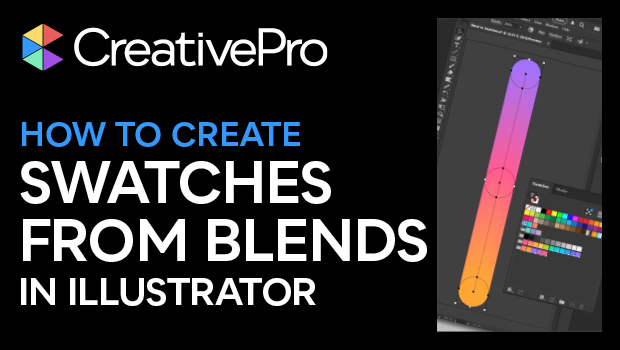
In this quick video, Kat Kremser shows you how to create coordinated swatch groups using the blend tool in Adobe Illustrator and how to save the resulting swatch sets to your Creative Cloud library for use across all Adobe apps.
Subscribe to the CreativePro YouTube channel for more helpful design tips!
This article was last modified on August 29, 2025
This article was first published on July 3, 2025
Commenting is easier and faster when you're logged in!

Recommended for you
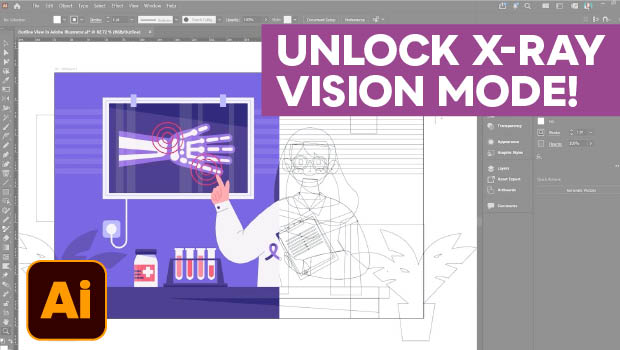
Troubleshoot Illustrator Files with Outline View
Use Illustrator's "X-ray vision" to troubleshoot your vector artwork with Kat Kr...

CreativePro Week 2026 Preview: 5 Indispensable InDesign Sessions
Five sessions InDesign users can't afford to miss