



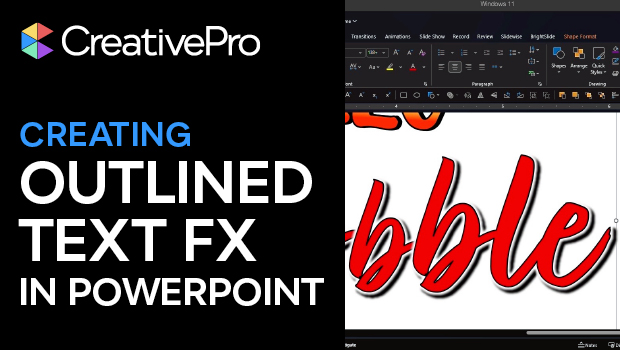
In this PowerPoint how-to video, Stephy Hogan shows off some cool text effects using only the app’s native tools. She walks you through the process of manipulating gradient fills, creating hard-edged shadows, customizing character spacing, and more.
Subscribe to the CreativePro YouTube channel for more helpful design tips!
This article was last modified on March 3, 2026
This article was first published on March 3, 2026
Commenting is easier and faster when you're logged in!

Recommended for you

Free Webinar: Accessibility Essentials
Learn the foundational concepts, terminology, and best practices that every desi...
How to Create Kinetic Text in Keynote
It's a breeze to create custom typographic animations with Chris Converse.