



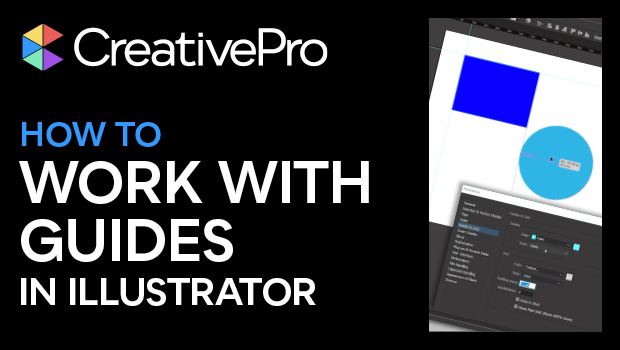
In this Illustrator how-to video, Kat Kremser dives into guides. She shows how to create simple Ruler Guides and how to make almost any path or shape into a custom Guide Object. Kat also takes a look at the differences between Guides and Smart Guides and how to use them together.
Subscribe to the CreativePro YouTube channel for more helpful design tips!
This article was last modified on August 29, 2025
This article was first published on March 25, 2025
Commenting is easier and faster when you're logged in!

Recommended for you
Free Webinar: Cross App Power Hour with Illustrator, InDesign, and Firefly
Explore practical AI-powered tools in Illustrator, InDesign, and Firefly that wi...
How to Use Illustrator’s New Turntable Feature
Tilt and turn your artwork with the Turntable feature in the Illustrator Beta ap...
Livestream Video: Quick & Easy Vectors with Illustrator’s Shape Builder Tool
Join Khara Plicanic as she explores an easier way of drawing vector shapes in Il...