



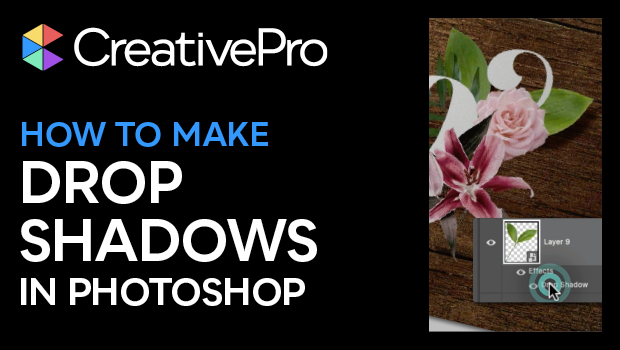
In this Photoshop how-to video, Khara Plicanic shows how easy it is to make drop shadows in Photoshop. She looks at the different settings, how to assign to individual or multiple layers, and how to apply the same settings over and over again.
Subscribe to the CreativePro YouTube channel for more helpful design tips!
This article was last modified on August 29, 2025
This article was first published on August 7, 2024
Commenting is easier and faster when you're logged in!

Recommended for you
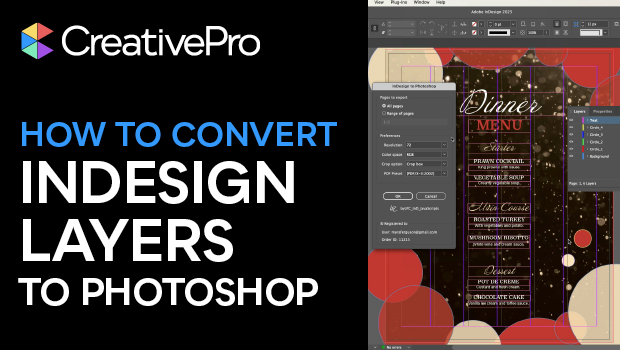
How to Convert InDesign Layers to Photoshop Layers
Myra Ferguson shows you how to turn your multi-layered InDesign document into Ph...

How to Filter and Sort Photoshop Layers
Learn how to easily organize and find your Photoshop layers.
Livestream Video: How to Create Patterns in Illustrator
Join Khara Plicanic to learn some great tips and tricks for working with pattern...