



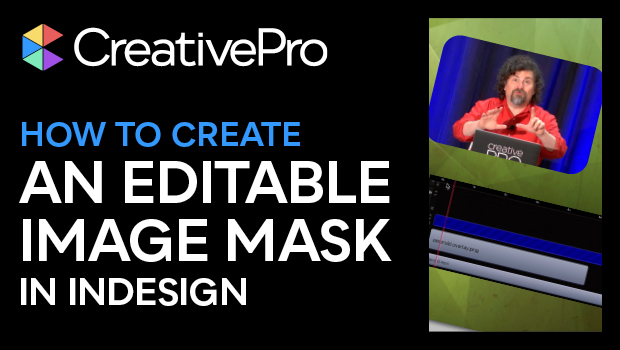
In this “Three Minutes Max” video, Erica Gamet shows how to create an editable image mask in InDesign. the mask—which can be an image itself—can be used as a template on a parent page in InDesign. Erica then shows that by exporting a PNG file, the mask can be used as an overlay in presentation and video editing software.
Three Minutes Max comes from a fun—yet very competitive—session at our annual CreativePro Week conference. Speakers have three minutes to wow the audience with the tip and win a prize for a lucky conference attendee.
Subscribe to the CreativePro YouTube channel for more helpful design tips!
This article was last modified on August 29, 2025
This article was first published on June 22, 2024
Commenting is easier and faster when you're logged in!

Recommended for you
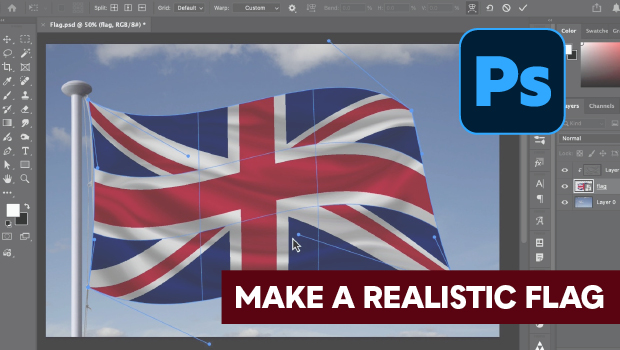
How to Make a Realistic Flag in Photoshop
Create a realistic waving flag in Photoshop with Steve Caplin.

Quick Wins: Vector Drawing Skills
Use these five resources to boost your vector drawing skills.

Adobe Unveils Major Expansion of Creative Agent Across Firefly and Creative Cloud Apps Including Photoshop and Premiere
Adobe is giving creative professionals an AI Assistant that orchestrates multi-s...